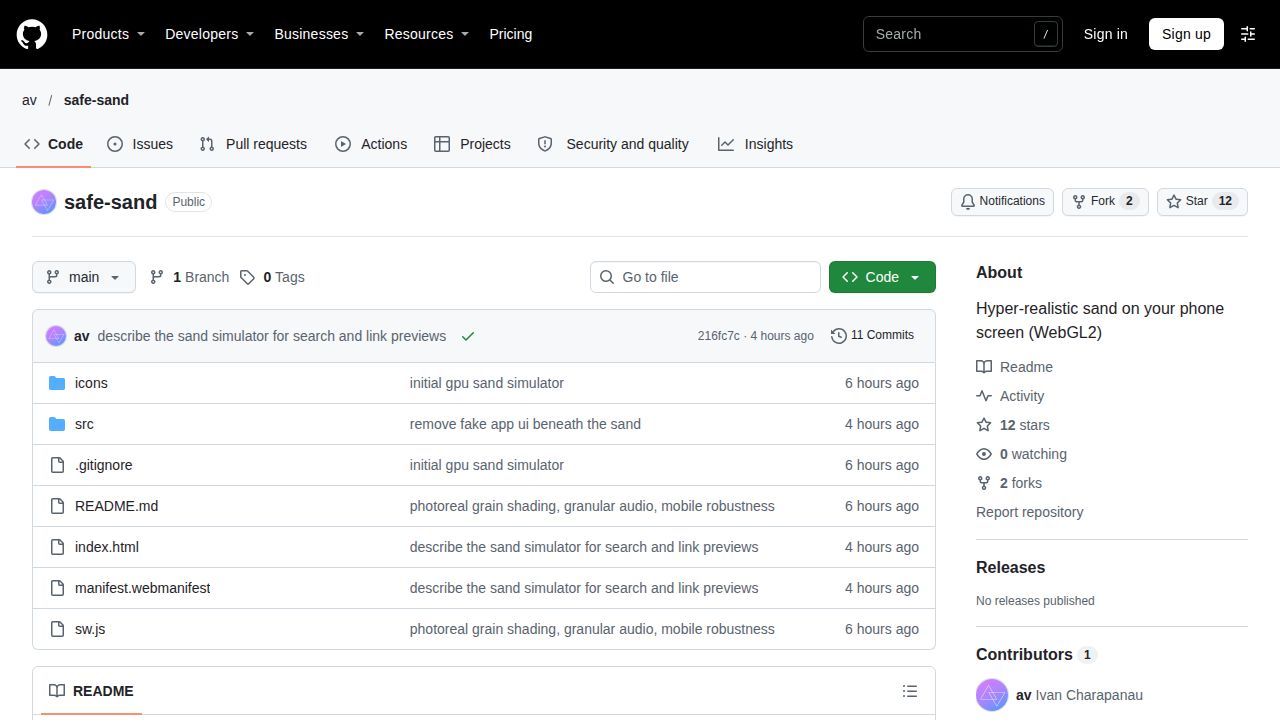
The 'safe-sand' project simulates between 100,000 and 460,000 individual grains of sand directly on a mobile device's screen using WebGL2. By calculating physics in real-world units—such as millimeters for size and 9.81 m/s² for gravity—the simulation ensures that the speed and lag of the sand movement match physical reality.
Physics and Visual Rendering
Each grain in the simulation is treated as an individual entity with specific physical properties. Isolated grains are programmed to roll and skitter, while bulk sand behaves as a cohesive mass that sticks together until the tilt of the device passes the sand's specific angle of repose.
To achieve visual depth, the system builds a height field from the grains every frame. This field provides the necessary data for slope forces and ambient occlusion, while the light direction is synced to the phone's tilt, causing shadows to lengthen and quartz grains to glint as the user moves the device.
“About 100k–460k individual grains are simulated on the GPU (WebGL2) in real units (millimetres, 9.81 m/s²), so how fast sand moves and how much it lags matches the real thing.”
— GitHub - av/safe-sand: Hyper-realistic sand on your phone screen (WebGL2)
Synthesized Granular Audio
Rather than using pre-recorded samples, the project synthesizes granular audio based on the movement of the sand. It generates thousands of tiny resonant clicks per second in the 2–8 kHz range to simulate sliding sand, while using sparse, lower-frequency clicks for pebbles and brighter impacts for the pouring action.
The system is designed for precision; when no sand is moving, the audio output is exactly silent. The sound also mixes with any music already playing on the device, with the silent switch on iPhones muting the output.
Performance Scaling and Constraints
To ensure the simulation remains playable on various hardware, the app monitors the frame rate. If the browser caps the frame rate (such as in iOS Low Power Mode), the app first renders idle frames to verify the cap before lowering the quality.
If a real performance overload is detected, the app reduces the device pixel ratio in steps (3 to 2 to 1.5) and subsequently reduces the grain count. These quality settings are remembered for future visits, with the system attempting a slightly more optimistic setting each time.
What Hacker News readers are saying
- Technical note: One commenter noted that the simulation lacked realistic momentum, observing that the sand stopped too abruptly and fell too quickly. comment ↗
- Technical note: Another user expressed skepticism regarding the realism, pointing out that sand appeared to get stuck in the air and stones failed to rotate. comment ↗
- Technical note: A commenter reported experiencing technical issues where the animation became distorted and the sand disappeared entirely on a mobile browser. comment ↗
Summarized opinions from the Hacker News thread, not verified facts. Read the full discussion ↗