Ableton Live 13 introduces a built-in Step Sequencer and ARA 2 support to streamline how producers create beats and edit audio within the software. These updates aim to bridge the gap between traditional linear arrangement and rhythmic sequencing, while providing more granular control over automation and hardware performance.
New Sequencing and Automation Workflows
A central addition to Live 13 is the Step Sequencer, which provides a dedicated interface for building rhythmic patterns. Users can now create complex polyrhythms and melodies by editing steps, velocity, and pitch directly within the clip view.
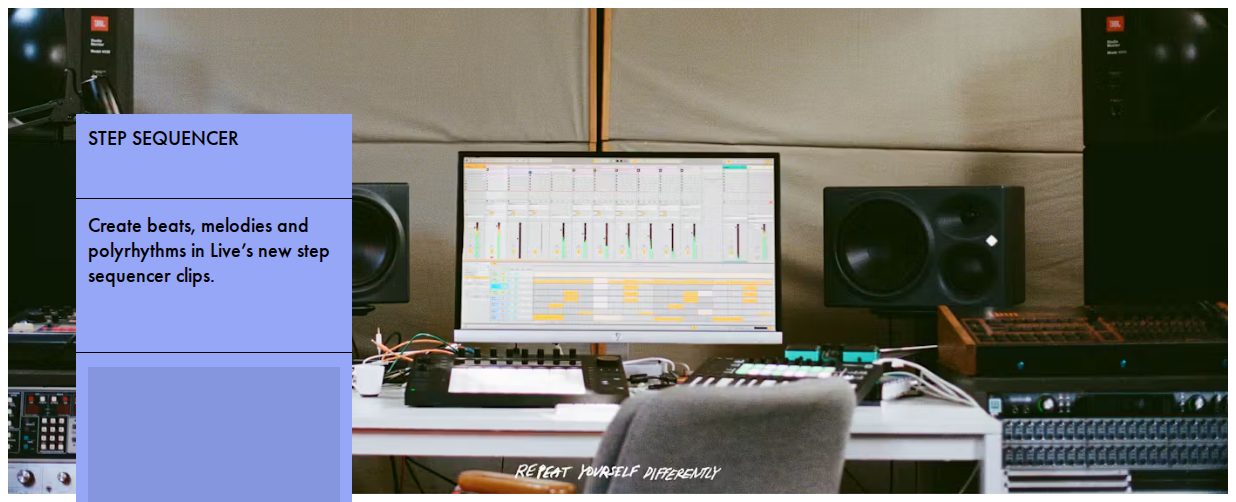
This image illustrates the Step Sequencer interface described in the text as a central addition for building rhythmic patterns.
To complement these sequencing tools, Ableton added Capture Automation. This feature allows producers to explore a device's parameters manually and then press a button to instantly convert those movements into automation data, reducing the need for manual drawing of curves.
“Live 13 is the next major version of Ableton Live, following Live 12. It adds audio and MIDI workflows including ARA 2 support, Step Sequencer and Capture Automation, plus instruments and effects, expanded Rack controls, updated Core Library content, and more.”
— What’s new in Live 13 | Ableton
Audio Editing and Mixing Tools
Live 13 integrates ARA 2 (Audio Random Access) support, which allows compatible audio-editing plug-ins to be loaded directly onto audio clips in the Arrangement View. This facilitates a more seamless transition between sound design and final arrangement.
The software also introduces several new mixing effects, including a Clipper for transparent peak taming and a Transient Shaper to adjust attack and sustain. Additionally, new Multiband and Mid-Side Racks allow for more sophisticated stereo width and frequency shaping.
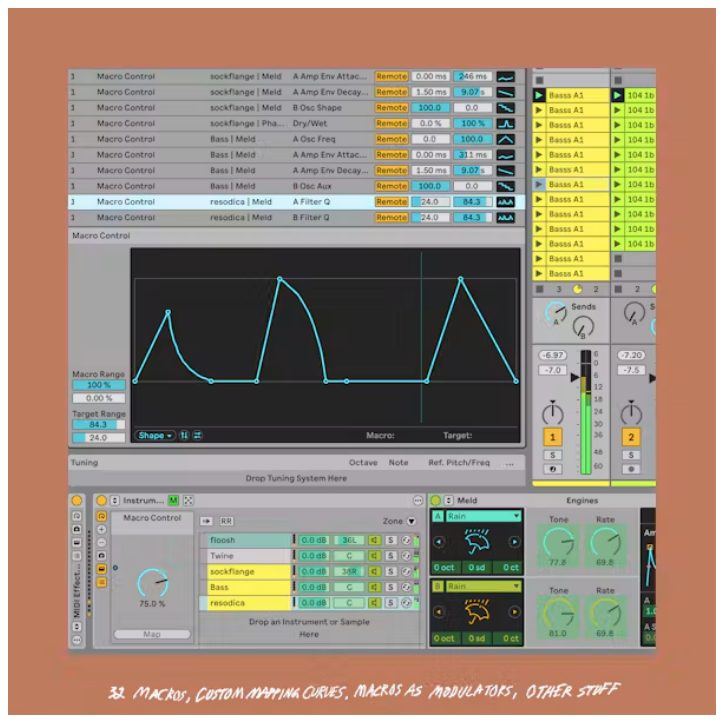
This visual supports the mention of expanded Rack controls and new mixing tools in the software update.
Hardware Integration and Push Updates
For users of the Push 3 hardware, the update introduces Custom Layouts. This allows creators to combine Session View, note areas, and mixer faders on a single page, eliminating the need to switch modes during a live performance.
The Push 3 also gains a Performance Mixer, which pairs a clip launcher with an MPE-compatible volume mixer. This enables performers to bring elements in and out of a mix dynamically using the hardware's pads and faders.
Limitations and Compatibility
While ARA 2 support is a major workflow shift, it currently faces some third-party limitations. For example, iZotope RX and Celemony Tonalic are currently unsupported, and certain plugins like Antares AutoTune Pro may exhibit issues with mono samples or sample rate mismatches.
Furthermore, while ARA plug-ins can be used in the Arrangement View, they are not supported in the Session View. Clips containing unbounced ARA edits will lose their plug-in data if copied into the Session View.
What Hacker News readers are saying
- Technical note: One commenter who develops open-source extensions noted that they can currently run Scheme code directly in Ableton through Max for Live to achieve accurate timing and direct file system access. comment ↗
- Skeptical: Several commenters expressed frustration over the lack of built-in remote collaboration tools, noting that current workflows involving manual file syncing are clunky and difficult for remote production. comment ↗
- Alternative: One user suggested a browser-based DAW as an alternative for those seeking professional-grade production with native real-time collaboration features. comment ↗
- Skeptical: A commenter argued that the update feels like an incremental release rather than a major leap, specifically criticizing the quality of the built-in instruments compared to competitors. comment ↗
Summarized opinions from the Hacker News thread, not verified facts. Read the full discussion ↗