Ductus provides a web-based platform that enables users to transform their personal handwriting into a functional font file by manually drawing characters directly into a browser interface. By prioritizing local execution, the tool ensures that the resulting font files are never uploaded to a remote server, keeping the user's unique handwriting data on their own device.
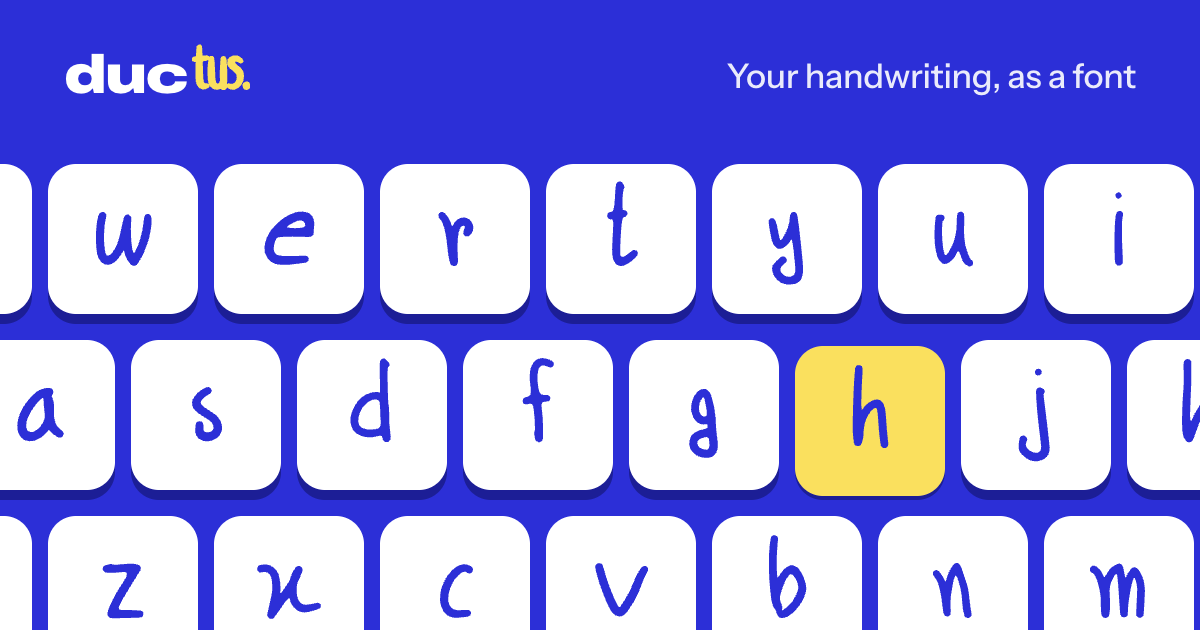
This image represents the core concept of the Ductus tool, where personal handwriting is converted into a functional font.
The Ductus Creation Process
The primary source describes a workflow where users 'write' specific characters, such as a small 'a' or a selection of 26 lowercase letters, to build their font. The interface guides the user through finding and defining these letters to create a cohesive set.
A key technical distinction of the tool is its privacy model. The source states that fonts made with Ductus are checked on the user's specific computer or device and are 'never uploaded,' ensuring that the raw handwriting data remains private.
User Feedback and Practical Limitations
Hacker News commenters highlighted several practical trade-offs in the current version of the tool. One commenter, writing as johannes1234321, noted that the lack of accented characters prevents the use of the font for names requiring those marks, while another, Weetile, expressed a need for custom symbols like the pound (£) and euro (€) signs.
The tool's execution style was also a point of discussion. Commenter firefoxd observed that because the tool captures letters one at a time, it does not fully replicate how characters change shape relative to their surroundings in natural handwriting. Commenter whartung characterized the result as a 'hand printing font' rather than a cursive one, noting that professional handwriting fonts often require samples of 2 and 3 character combinations to capture connectedness.
Technical Issues and Accessibility
While many users reported a 'smooth' experience, some encountered technical hurdles. One user, tom1337, reported a specific 'SweepLine tree' error that caused the preview to stop working and greyed out the export buttons. Others noted the physical effort required, with one user mentioning a 'sore wrist' from drawing on a Mac's touchpad.
Despite these issues, the tool remains accessible for quick use; some users reported completing the process on a mobile phone in under three minutes. The discussion also touched on the potential for future integration with AI, with one commenter describing a conversation with Claude about tracing scans into vector outlines to handle complex connection points.