Agweb addresses a common friction point for developers running AI coding agents: the tendency for automation tools like Playwright to spawn Chrome windows that 'steal' keyboard focus or operate in headless modes that are easily blocked by websites. By providing a single window that never takes focus, Agweb allows agents to drive the UI via a command-line interface while the user watches the progress live.
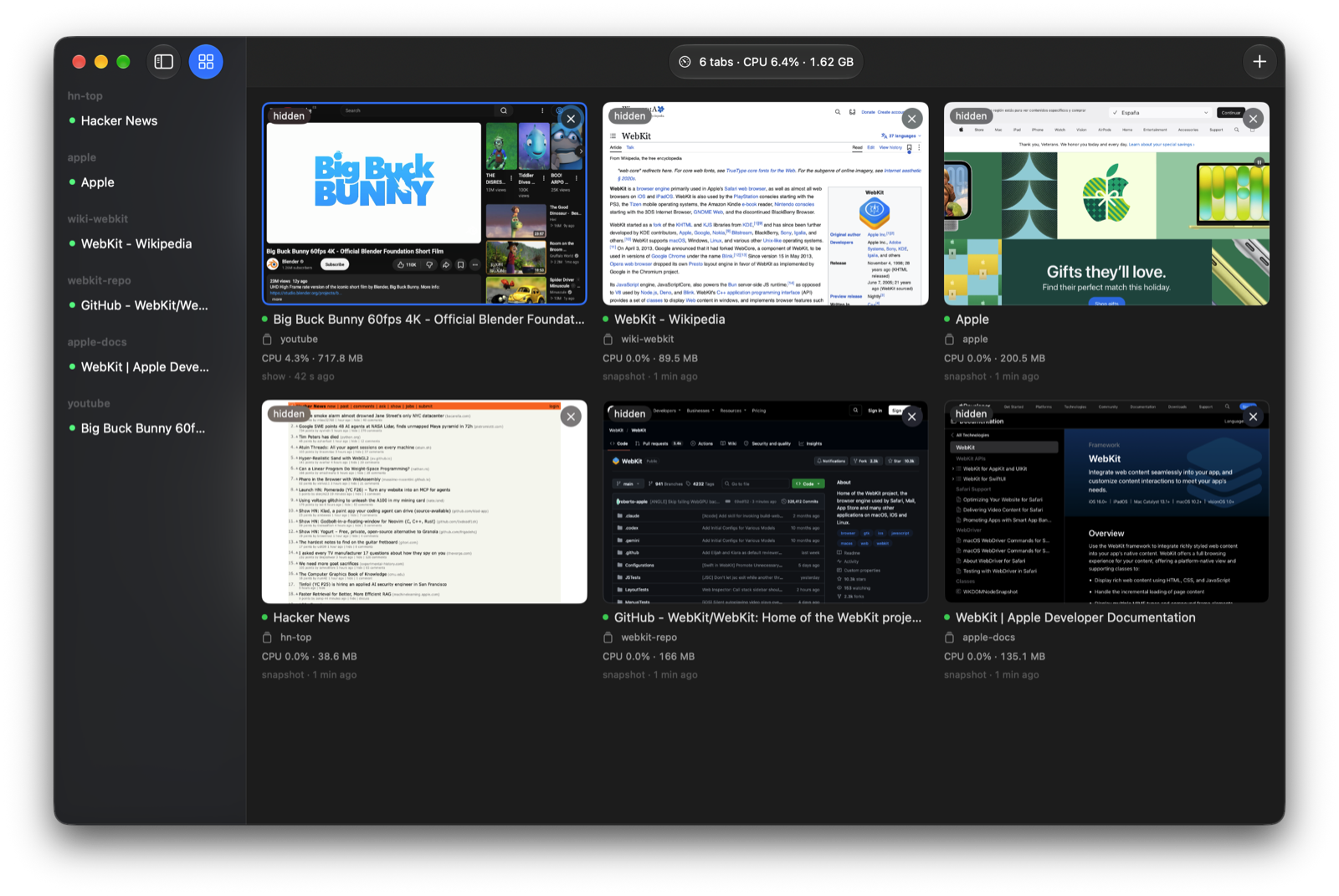
The dashboard (⌘D) provides a unified view of all active agent tabs and their recent commands.
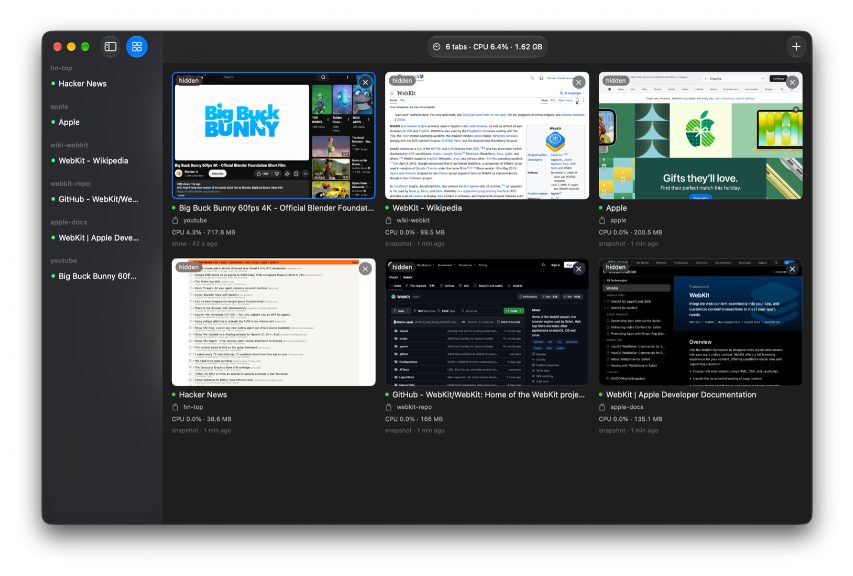
The dashboard is a key feature for monitoring multiple agents at once.
Mechanism of Non-Intrusive Automation
Unlike standard automation tools that may pop up windows or run in the background, Agweb is designed to stay out of the user's way. It handles dialogs, changing tabs, file pickers, and downloads through code rather than by forcing the window to the front.
Agents interact with the browser using a command-line interface similar to `playwright-cli`. The system provides native macOS events for clicks and keys, ensuring that hover menus and drag-and-drop functionality work as they would for a human user.
Resource Efficiency and Shared Sessions
Agweb optimizes performance by throttling and suspending idle tabs, which the developer reports can bring CPU usage to 0% for multiple pages. This contrasts with Chrome's GPU process, which can keep several cores busy even when pages are inactive.
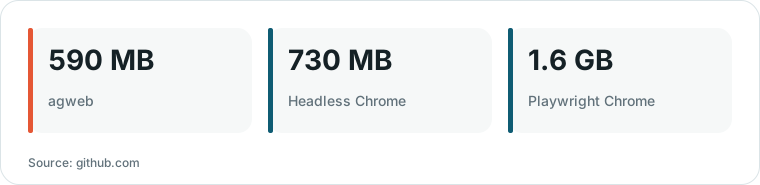
Chart drawn by HN Digest from figures reported by github.com; values are shown as written in the source.
The browser supports named profiles (e.g., `-p work`), which store logins and are shared across all agents using that profile. This allows multiple agents to operate concurrently on the same account, a configuration that is often restricted in standard Chrome profiles.
Technical Trade-offs and Limitations
Because Agweb is built exclusively on WebKit, it lacks support for the Chrome DevTools Protocol. This means that Chrome-specific extensions and certain websites that rely on Chromium-specific behaviors may not function correctly.
The built-in ad blocker uses uBlock Origin's lists but cannot run uBlock's scripts, which may lead to issues with 'turn off your ad blocker' walls on sites like YouTube. For tasks requiring these specific features, the developer suggests using Playwright as a fallback.
What Hacker News readers are saying
- Experience: One user shared their experience using the tool to manage multiple agents, noting that it avoids the focus-stealing issues of Playwright's Chrome windows while offering significant memory savings over headless options. comment ↗
- Skeptical: A commenter raised a concern regarding the shared profile system, questioning how the software prevents one agent's actions, such as logging out or hitting rate limits, from affecting all other agents on the same profile. comment ↗
- Technical note: One commenter expressed that the tool might be less useful for their specific needs because it mirrors the Playwright CLI but does not appear to support the Chrome DevTools Protocol. comment ↗
Summarized opinions from the Hacker News thread, not verified facts. Read the full discussion ↗