MeowDisplay enables users to transform an iPhone, iPad, or Android device into a secondary screen for their Mac, offering a 'reverse' of standard iPhone mirroring. By creating a virtual display in software, the tool allows a MacBook to function in clamshell mode—with the lid closed—without requiring a physical dummy adapter or HDMI plug.
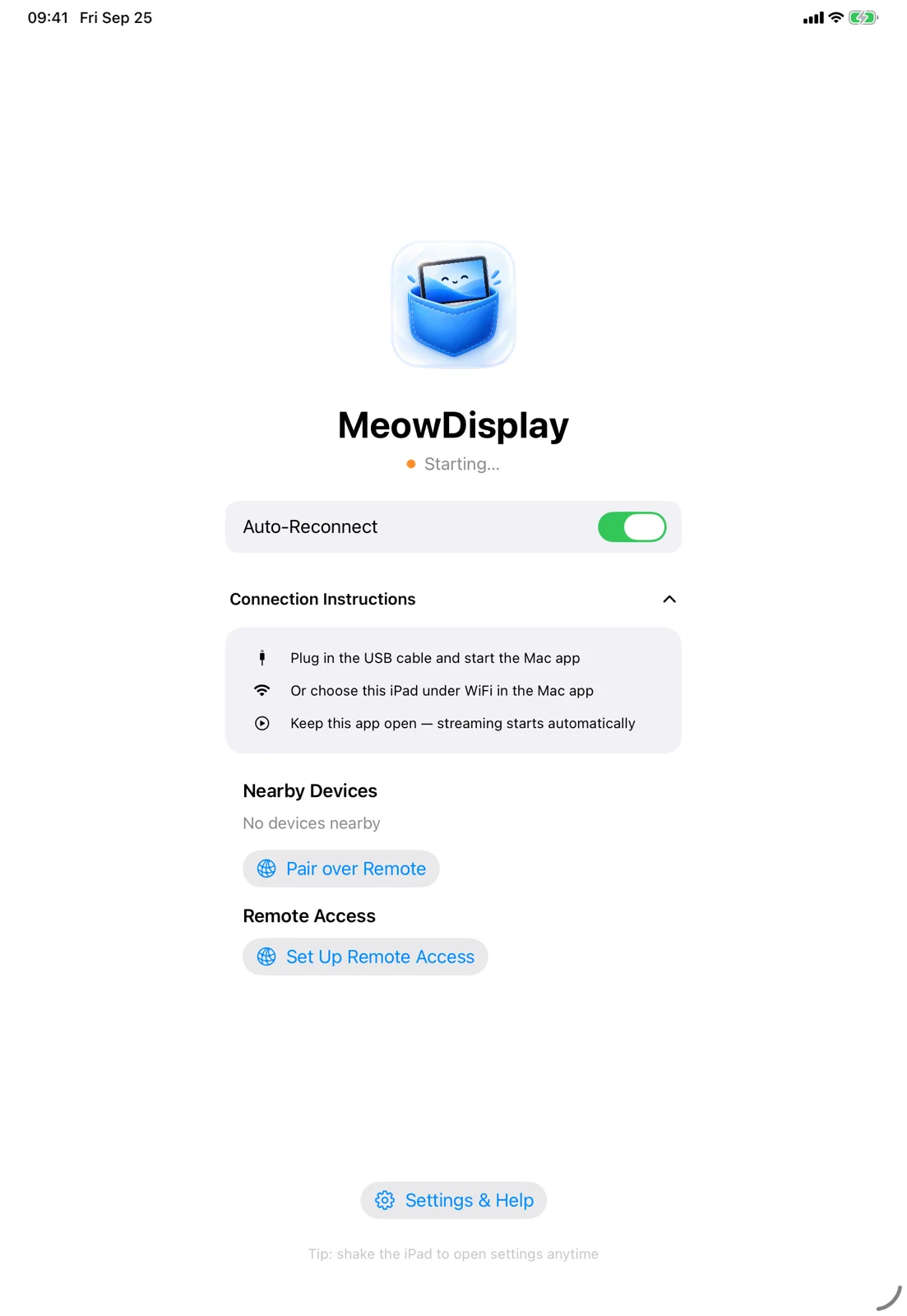
This image demonstrates the core functionality of using a mobile device as a secondary display.
Display Modes and Window Management
Users can choose between two primary display modes: Mirror and Extend. In Mirror mode, the mobile device shows exactly what is on the Mac's screen, while Extend mode creates a separate virtual display where users can drag and arrange windows independently.
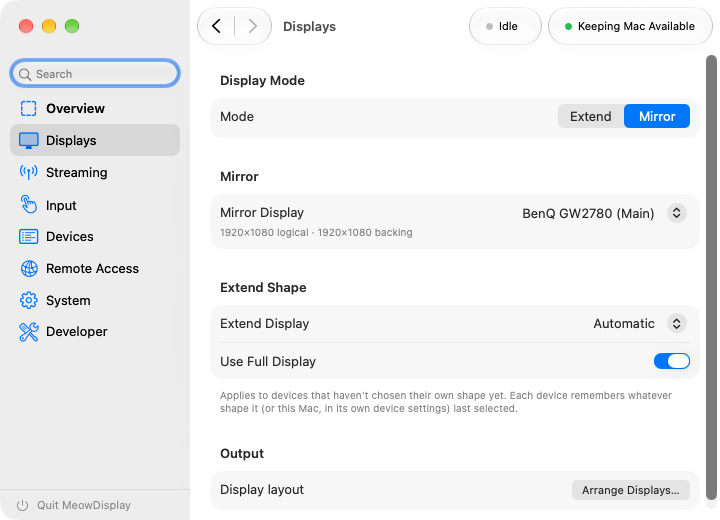
This visual illustrates the Mirror mode described in the display modes section.
Unlike simple screen mirroring, MeowDisplay includes a 'Window view' that treats Mac windows as modular elements. Users can arrange these windows as tabs, split them into panes, or swap and resize them directly on the mobile device's interface.
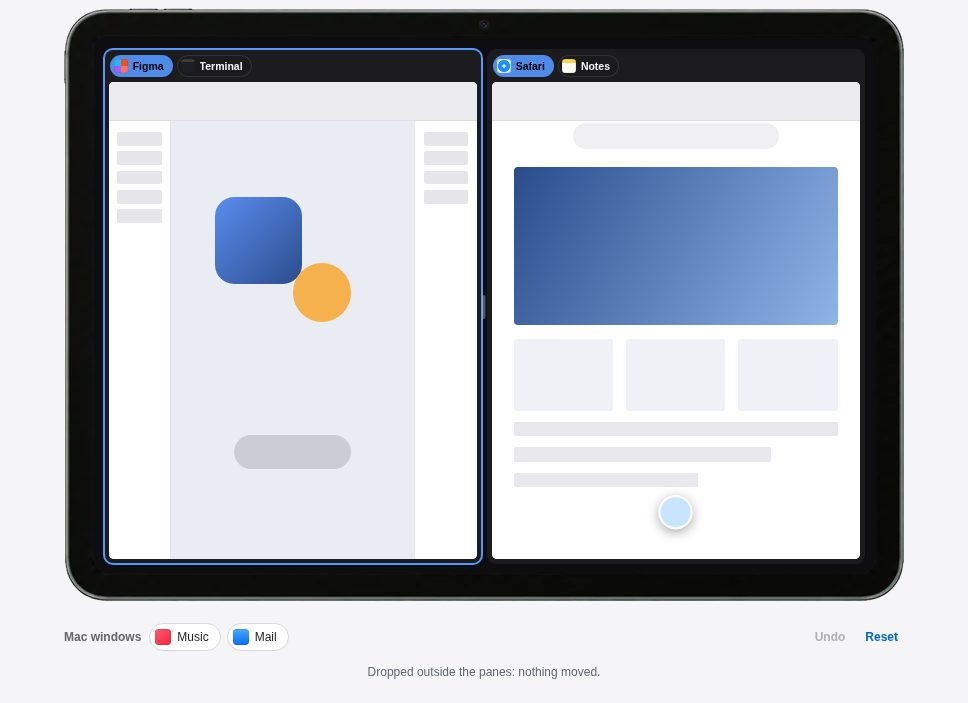
This screenshot supports the description of the modular 'Window view' and pane arrangement.
“Turn an iPhone, iPad, Android device or another Mac into a display for your Mac. Mirror it, extend it, and control it with touch.”
— MeowDisplay — Free Mac Second Display on iPhone & iPad
Touch Interaction and Input Mapping
To bridge the gap between mobile touchscreens and desktop navigation, the tool offers several input modes. 'Natural Touch' is designed to distinguish between a finger resting on the screen and one moving to scroll or drag, while 'Precise Control' allows a user to use a second finger to nudge a pointer onto small targets.
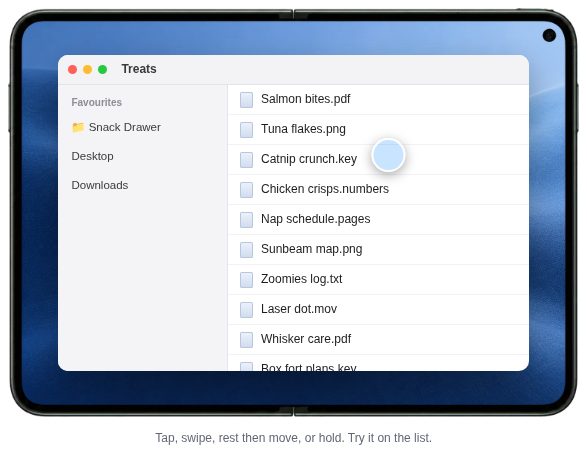
This image illustrates the 'Natural Touch' and 'Precise Control' interaction modes.
The system also supports 'Trackpad' mode, where the pointer moves relative to the touch point, mimicking a MacBook trackpad. Additionally, the software supports Apple Pencil input on supported iPads, sending strokes to the Mac as pen-tablet input.
Connectivity and Security Constraints
Connections can be established over USB or a local Wi-Fi network, with the software supporting Apple's AWDL peer-to-peer Wi-Fi path. For remote access, the tool can exchange Tailscale addresses to establish a private network connection.
Security is handled through a permission-based model where the Mac acts as the master. Remote input is disabled by default for every session and requires the user to grant Accessibility permissions. While the tool is currently in closed testing for Android, it is officially released for iOS and iPadOS.
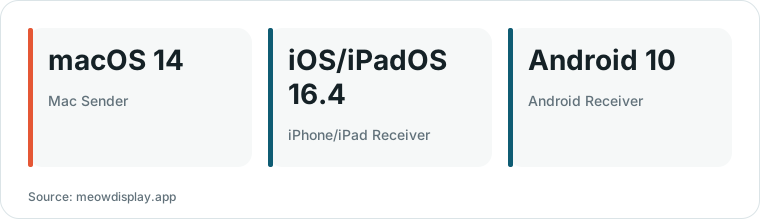
Chart drawn by HN Digest from figures reported by meowdisplay.app; values are shown as written in the source.
What Hacker News readers are saying
- Technical note: One commenter questioned the specific technical differences between this tool and its predecessor, opendisplay, suggesting that the project's unique approach should be more clearly defined. comment ↗
- Skeptical: A user expressed skepticism regarding the latency of remote display systems, noting that their personal experience with such tools has often been mediocre due to lag. comment ↗
- Alternative: Several commenters pointed out that Apple's native Sidecar feature already allows for extending a Mac's display to an iPad, though one user clarified that it does not support iPhones. comment ↗
Summarized opinions from the Hacker News thread, not verified facts. Read the full discussion ↗