The VM/370 Community Edition (CE) offers a modern, 'maximalist' version of a classic IBM mainframe operating system, capable of running on a single CPU with 16M of storage. By using a Docker container, users can bypass the need for physical vintage hardware to access a terminal environment that supports legacy software and command-line tools.
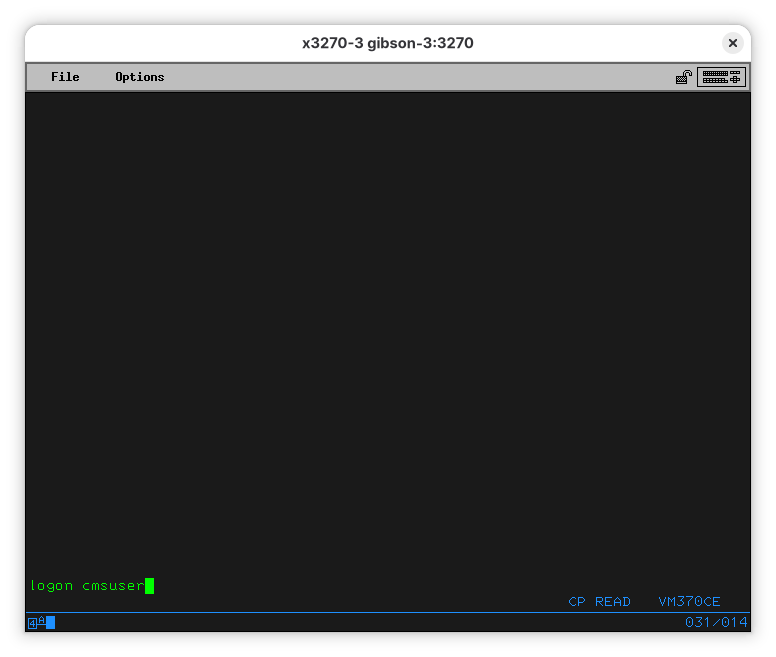
This image illustrates the initial terminal interface provided by the VM/370 Community Edition environment.
Accessing the Mainframe via Containerization
The most accessible method for running VM/370 CE is through Docker or Podman. By running a specific shell command, users can spin up a container that hosts the mainframe OS and exposes the 3270 terminal port.
The container image is based on the work of the VM/370 Community Edition team and only runs software that is open source or in the public domain.
“If we were to compare it with Linux, VM/370 R6 (the release CE is based on) would be Linux 1.0 as published by Linus from his bedroom and VM/370 CE would be latest Fedora (insert your favorite maximalist distro here).”
— Fun things to do with your VM/370 CE machine
Interacting with Screen-Oriented Terminals
Unlike modern terminal emulators that scroll automatically, the 3270 terminals used by IBM mainframes are screen-oriented. They function similarly to early web forms, where the mainframe sends a full screen of data and waits for the user to submit changes.
Because the screen does not scroll, users must use the PA2 key (mapped to Alt-2 in the x3270 emulator) to clear the terminal and request the next page of text from the mainframe.
Legacy Programming and Compilation
The environment allows for the execution of vintage languages like BASIC and FORTRAN. For example, compiling a FORTRAN program generates a 'listing' file—a formatted output traditionally used for printing alongside punched cards.
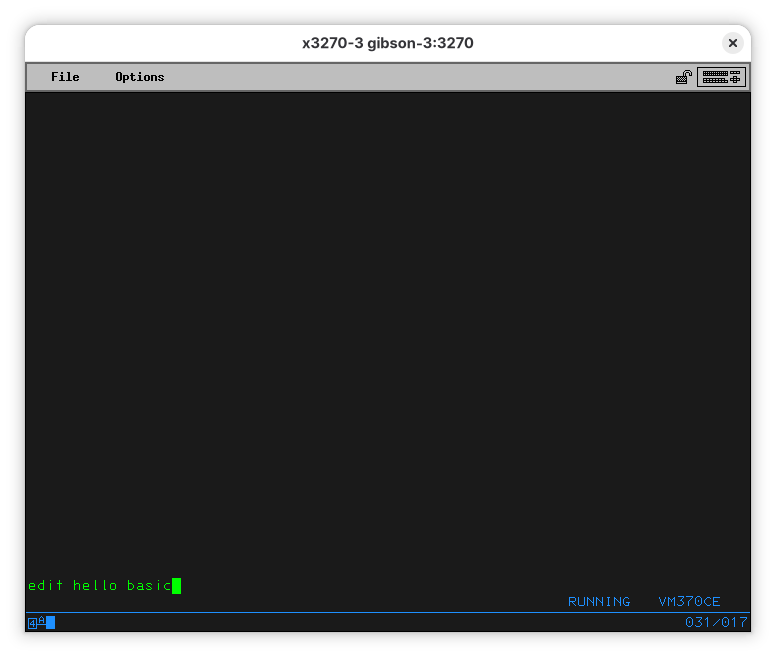
This visual demonstrates the ability to run and edit legacy code as described in the programming section.
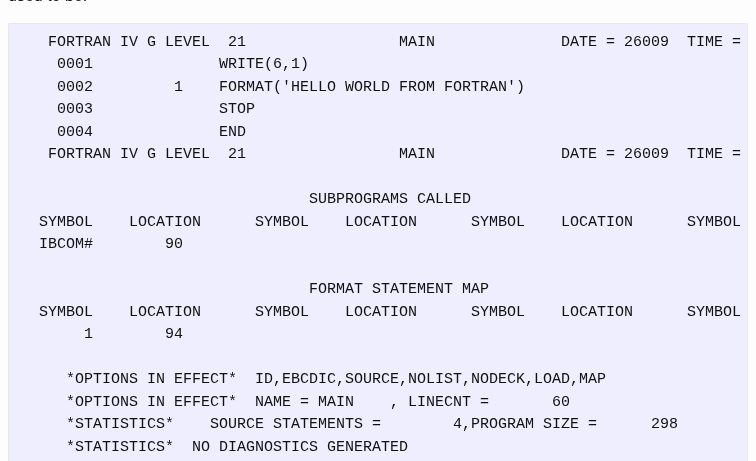
This image directly supports the claim that the system generates traditional listing files for FORTRAN output.
The system uses a 'FILEDEF' command to manage data definitions. This allows users to redirect output from specific file numbers (like file 6, the default for FORTRAN) to the terminal or other devices.
Limitations and Trade-offs
While the Community Edition is highly capable, it is still constrained by the architecture of the original VM/370, which limits the environment to a single CPU and 16M of storage.
Users must be cautious with security, as the system was designed in an era where intrusions were less common; the source advises against exposing the VM/370 mainframe directly to the internet.