Standard SSH keys typically reside in the `~/.ssh/` directory, where they are protected only by file permissions and are vulnerable to any malicious script that gains filesystem access. By leveraging the macOS Secure Enclave, users can ensure that private keys never exist in memory or on disk as files, but instead reside within a dedicated security chip that performs signing operations internally.
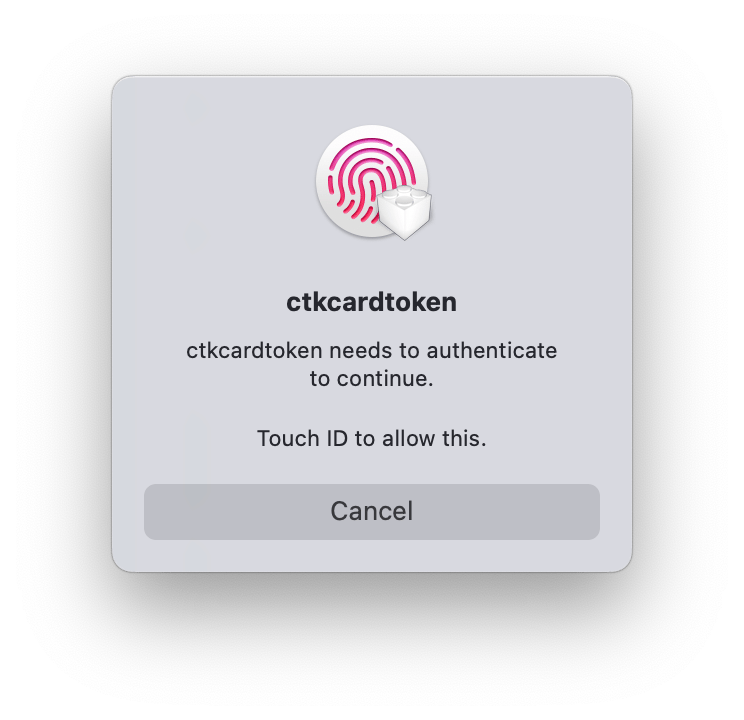
This image illustrates the mandatory Touch ID biometric prompt required for every SSH authentication attempt using hardware-backed keys.
Hardware-Backed Key Isolation
The Secure Enclave is a security subsystem on the Mac's chip, isolated from the main processor. When an SSH key is backed by this hardware, the private key is generated inside the enclave and never leaves it. When a connection is initiated, the Mac asks the enclave to sign the authentication challenge, and the actual key remains inaccessible to the operating system.
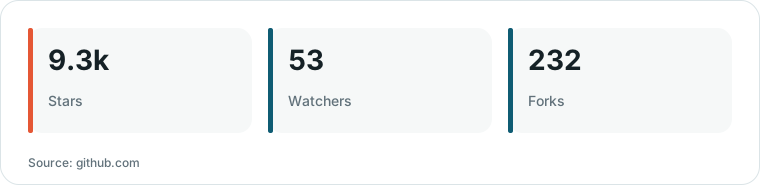
Chart drawn by HN Digest from figures reported by github.com; values are shown as written in the source.
This approach addresses a major security gap: software-based solutions like encrypted vaults still decrypt keys into memory during use. In contrast, the Secure Enclave ensures that even a fully compromised operating system cannot 'steal' the private key because the key material is never exposed to the main CPU.
Technical Implementation and Configuration
Setting up the native approach involves using the `sc_auth` command to create a CryptoTokenKit identity. Users must specify the NIST P-256 curve and the `bio` flag to require biometric authentication. This process generates a 'key handle'—a reference file that tells the SSH client to request a signature from the enclave rather than reading a raw private key file.
To make the system functional, users must set the `SSH_SK_PROVIDER` environment variable to point to the `ssh-keychain.dylib` library. Because SSH does not automatically discover these specific key handles, they must be explicitly defined in the `~/.ssh/config` file to ensure the system prioritizes the Secure Enclave key over standard RSA or Ed25519 keys.
Trade-offs and User Experience
The primary trade-off for this high level of security is the lack of portability. Secure Enclave keys are tied to the specific Mac hardware; if the device fails, the keys are lost. Users must maintain a secondary backup key, such as one stored on a YubiKey or another machine, to ensure they are not locked out of their servers.
The native macOS experience is notably unpolished, featuring a low-level 'ctccardtoken' prompt rather than a standard SSH interface. For users seeking a more refined experience, third-party applications like Secretive provide a polished UI and system notifications while still utilizing the same underlying Secure Enclave hardware.
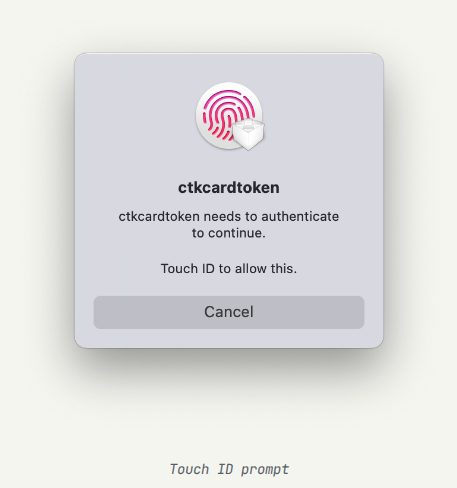
This screenshot demonstrates the unpolished, low-level interface used by the native macOS implementation for key authentication.
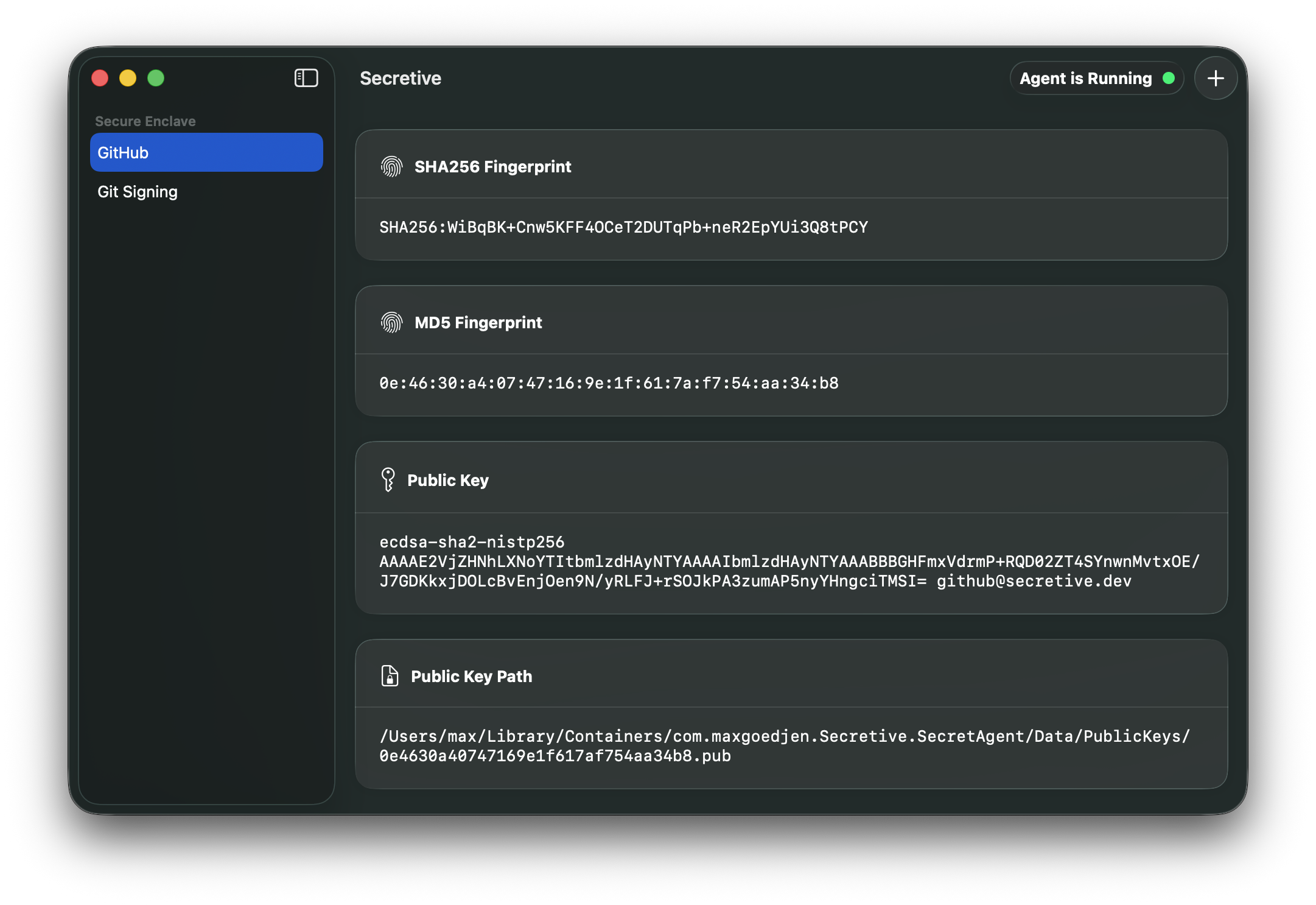
Secretive is a third-party application that offers a more refined UI and system notifications compared to the native implementation.
What Hacker News readers are saying
- Alternative: One commenter shared a tool they created to simplify the process for users who prefer the native approach or are familiar with SeKey. comment ↗
- Skeptical: One user expressed concern that because this is not a documented feature, Apple could potentially change or remove the functionality and lock users out of their keys. comment ↗
- Experience: Another commenter remarked on the historical difficulty of reliably using hardware keys as SSH credentials, suggesting the technology should have been more accessible sooner. comment ↗
Summarized opinions from the Hacker News thread, not verified facts. Read the full discussion ↗