The 'skill-video-studio' project aims to solve a common friction point in software development: the manual effort required to create and update promotional demo videos. Instead of recording screens manually for every release, the project introduces a 'source-based' workflow. In this model, a Claude Code skill acts as an orchestrator, coordinating a suite of existing local tools to generate a video from a structured brief. This allows developers to maintain up-to-date marketing materials by updating a configuration file rather than re-recording footage.

This image illustrates the starting point of the workflow where a user provides a structured brief to the Claude Code skill.
The core mechanism follows a multi-step pipeline: Brief, Explore, Brand, Capture, Compose, Optional Layers, Render, and QA. Users begin by providing a YAML-based brief that defines the product URL, target audience, and specific 'beats' or scenes. The Claude Code skill then generates a concrete plan, which triggers a Playwright CLI script to capture real browser interactions using stable selectors. These captures are fed into HyperFrames, a tool used to compose title cards, chapters, and call-to-action (CTA) overlays. Finally, the project uses FFmpeg for local mastering, which includes generating contact sheets, thumbnails, and web-ready copies of the video.
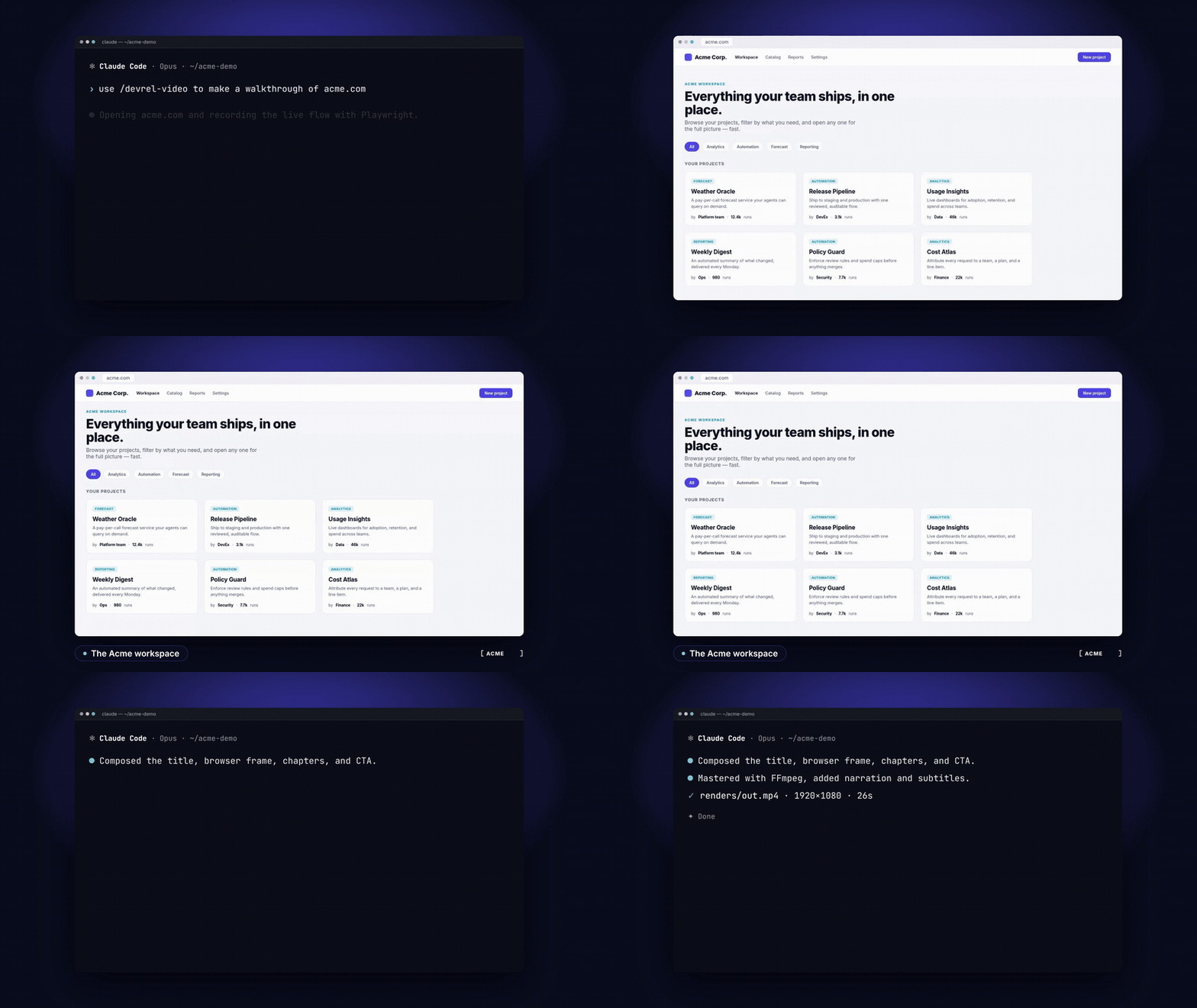
This visual demonstrates the 'Compose' and 'Render' stages of the pipeline, combining different UI elements into a single demo.
While the system automates much of the production, it relies on a specific local toolchain and has notable practical constraints. The production stack requires Node.js 22+, FFmpeg, Chromium, and various Python dependencies. Because the capture is performed locally, the user is responsible for the hardware and software environment. Furthermore, while the system supports optional layers like narration-driven timing and six local music styles, the output requires manual validation. For example, users have noted that automated synchronization between music and voiceovers can sometimes result in 'rushing' or timing offsets, necessitating a human-in-the-loop check before final publication. Additionally, the current implementation is primarily optimized for web-based products, as it relies on Playwright for browser interaction.
This approach shifts the focus from manual video editing to 'prompt engineering' and configuration. By defining brand tokens and project slugs, teams can ensure consistency across different demo videos. However, the project currently focuses on web and terminal-based environments; capturing native desktop applications remains a limitation of the Playwright-centric architecture. For those seeking to automate their distribution pipeline, this studio provides a framework to turn a product's functional workflow into a polished, branded demo with minimal manual intervention.
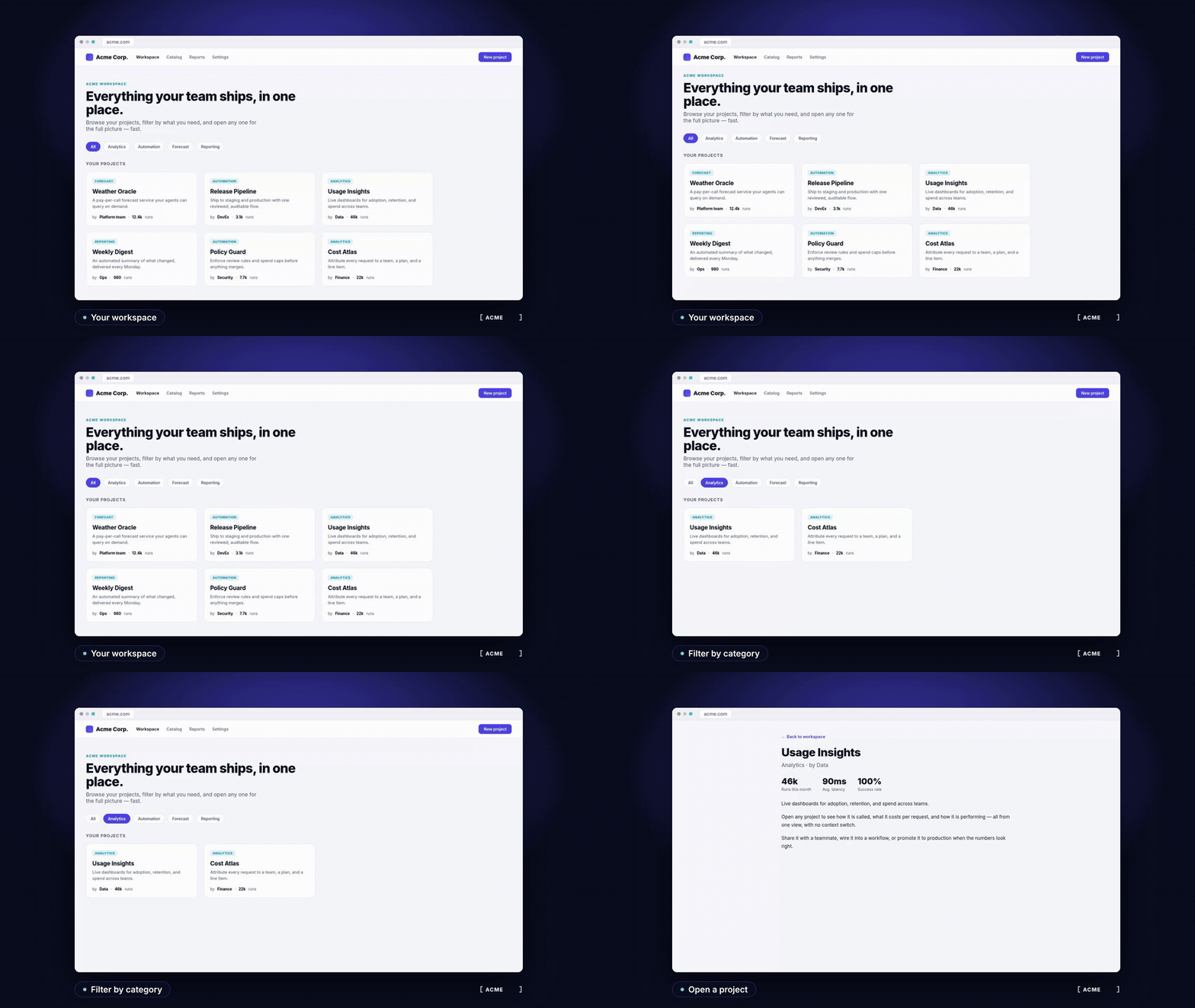
This serves as a primary example of the final output produced by the skill-video-studio pipeline.