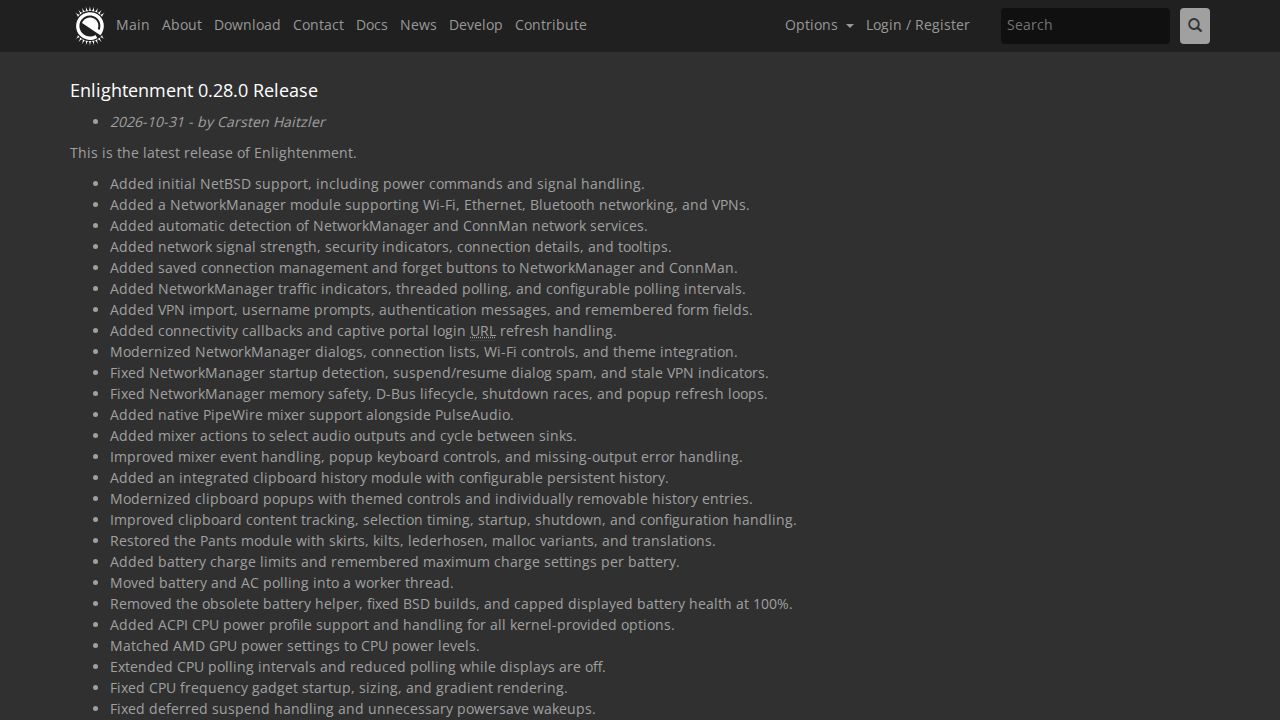
Enlightenment 0.28.0 marks a significant update for the desktop environment, focusing on broader hardware compatibility and enhanced system utility modules. A key addition in this release is the initial support for NetBSD, which includes essential power commands and signal handling. The update also introduces native PipeWire mixer support to run alongside PulseAudio, providing users with more modern options for audio device control and redirection. These changes aim to modernize the desktop's infrastructure while maintaining compatibility with legacy audio systems.
Networking capabilities received a substantial overhaul with the addition of a dedicated NetworkManager module. This module supports Wi-Fi, Ethernet, Bluetooth networking, and VPNs, featuring automatic detection for both NetworkManager and ConnMan services. Users can now access network signal strength, security indicators, and connection details through tooltips and modernized dialogs. The update also includes VPN import functionality, username prompts, and remembered form fields, alongside connectivity callbacks and captive portal login refresh handling. To improve the user experience, the release added saved connection management and 'forget' buttons for both NetworkManager and ConnMan.
System utilities and power management also saw significant refinements. The release restored the 'Pants' module, which includes various localized variants and translations. For power management, the update added battery charge limits with remembered maximum settings per battery and moved battery and AC polling into a worker thread to improve efficiency. The release also introduced ACPI CPU power profile support, matching AMD GPU power settings to CPU power levels and extending CPU polling intervals. These optimizations are complemented by a new integrated clipboard history module with configurable persistent history and themed popups, providing a more cohesive set of desktop tools for the user.
Stability and interface polish were central to the 0.28.0 release, with numerous fixes addressing memory safety, D-Bus lifecycle issues, and shutdown races. The update introduced a smooth "Roll Up" window shading transition and added window actions for always-on-top, always-below, and normal stacking. It also addressed several display-related issues, including monitor disconnect handling, DDC display rediscovery, and improved backlight filtering. While the release removes per-desktop and per-screen profile support to streamline the environment, it maintains existing Qt environment settings and corrects default launcher and tiling configurations to ensure a consistent transition for existing users.