Herdr is a desktop application designed to streamline workflows for developers who use terminal environments and coding agents. The core functionality centers on 'spaces,' which are logical groupings of work, typically tied to a specific machine or repository. Each space can contain multiple tabs and split panes, allowing users to view terminals or specialized panels side-by-side. A key feature of the application is its ability to keep terminals running in a background core even when the main window is closed, ensuring that long-running processes are not interrupted by UI interactions.
This image illustrates the primary desktop application designed to streamline developer workflows.
The application provides a dedicated sidebar for monitoring coding agents. These agents are integrated into the user's spaces, and the app displays their current status—such as 'Working,' 'Blocked,' 'Done,' or 'Idle'—in real-time. Users can interact with these agents by clicking on them to view their progress or 'peeking' at live terminal addresses. The system supports remote work by allowing users to add SSH machines; when a machine is connected, the spaces and terminals on that remote host run on the remote core, while the local Herdr app provides a synchronized view of the structure, focus, and live terminal output.
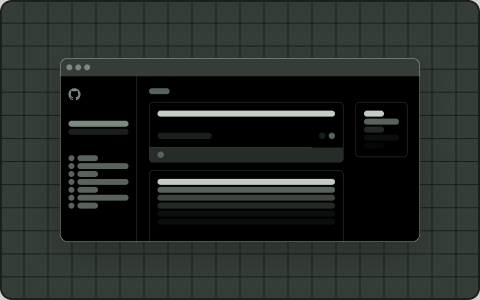
This visual demonstrates the native desktop experience for managing spaces and terminal tabs.
While the primary application provides a native experience for Linux, macOS, and Windows, the project also supports a decoupled architecture. This is evidenced by the existence of a separate, unaffiliated native client (herdr-gpui) that connects to a local Herdr daemon. This daemon-client model allows for advanced features like remote phone pairing and browser integrations for sending screenshots to agents. However, because the app uses 'mods'—small JavaScript programs to draw panels and menus—it relies on trusted code rather than a sandboxed extension system, requiring users to exercise caution when installing third-party modifications.