Apple is expanding the capabilities of macOS to support touch input, a move that introduces new requirements for app developers. The company has released a suite of resources aimed at helping developers optimize their applications for touch-enabled Mac hardware. These resources include specific design guidelines for touch user interface patterns, documentation on adopting gesture recognizers, and sample code for features such as drag-and-drop through file promises. To facilitate this transition, Apple is providing a beta version of Xcode (version 27.3) and various SDKs for building and testing touch-compatible apps.
The article mentions the release of a specific beta version of Xcode to facilitate the transition to touch input on Mac.
The implementation of touch on Mac involves several technical and design considerations. Apple is providing guidance on how to bring 'Live Activities' to Mac and how to adapt existing pointing device interactions for touch. Developers are encouraged to explore 'Touch on Mac Group Labs,' an online forum where they can interact directly with Apple engineers and designers to discuss the nuances of creating touch-optimized experiences. The documentation also covers the distinction between standard pointing devices and the specific requirements of touch-based navigation, such as how to handle gestures and UI elements that traditionally rely on mouse-hover states.
While the announcement provides a roadmap for developers, the practical utility of touch on a laptop form factor remains a point of discussion. Some users have expressed skepticism regarding the ergonomics of lifting hands from a keyboard to touch a screen, while others highlight the potential for improved accessibility for users who are more comfortable with tablet-style interfaces. Additionally, developers have raised questions regarding how complex macOS UI elements—such as hidden menu bars, the Dock, and multi-space window management—will translate to a touch-first experience without the precision of a cursor. Apple's provided resources aim to address these gaps by offering a structured path for integrating touch into the existing desktop ecosystem.
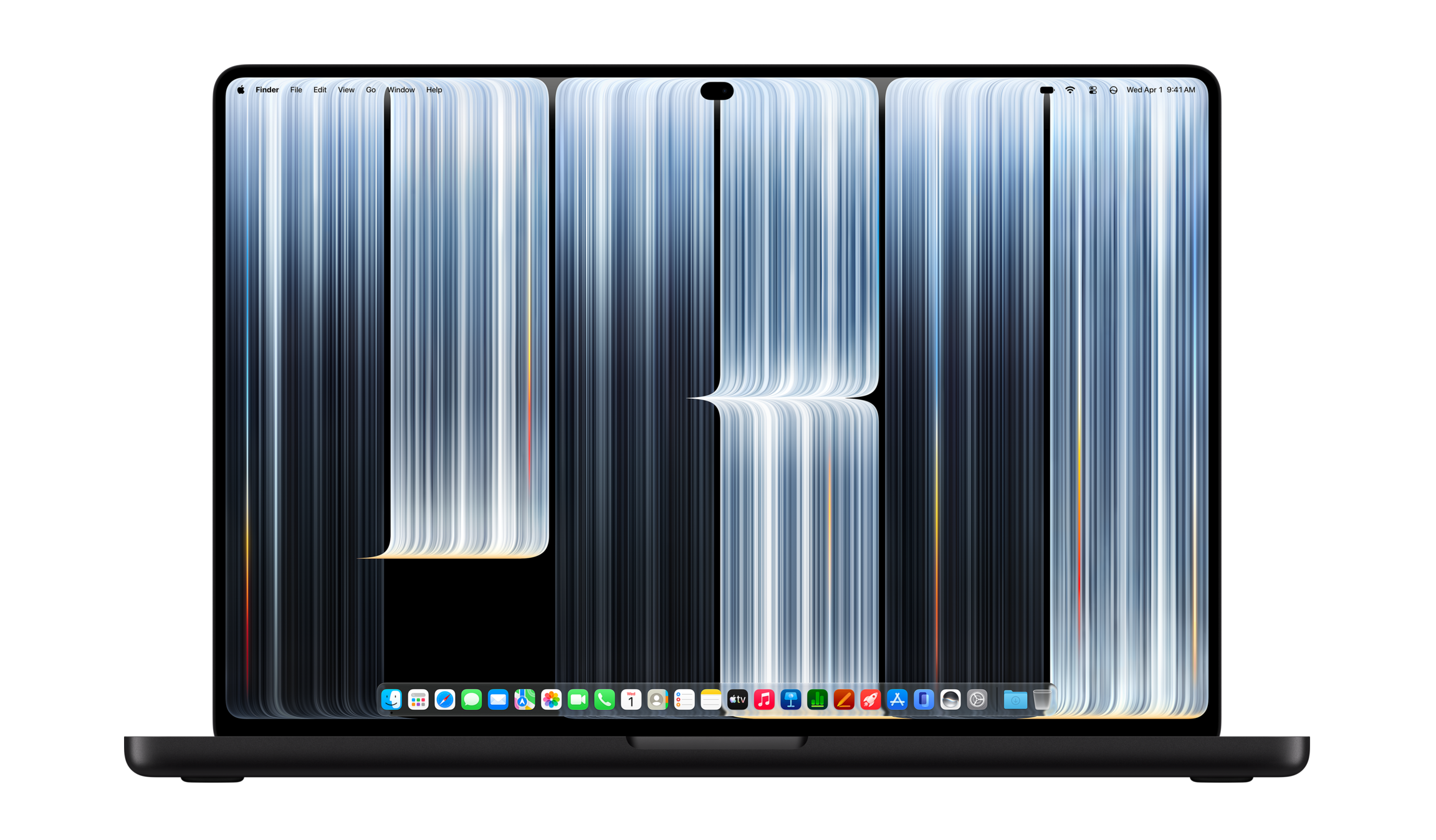
The article discusses the challenges of translating complex macOS UI elements like the Dock and menu bars into touch-first experiences.