NASSCAD is a 3D CAD tool designed to provide a local-first modeling experience across both web browsers and Windows desktop environments. Unlike many cloud-based CAD platforms that process geometry on remote servers, NASSCAD emphasizes local execution to maintain performance and data privacy. The application supports a variety of 3D primitives—such as cubes, spheres, and cylinders—and includes a specialized 'NassScript' system for automated modeling tasks, demonstrated through scripts for complex objects like a four-cylinder engine.
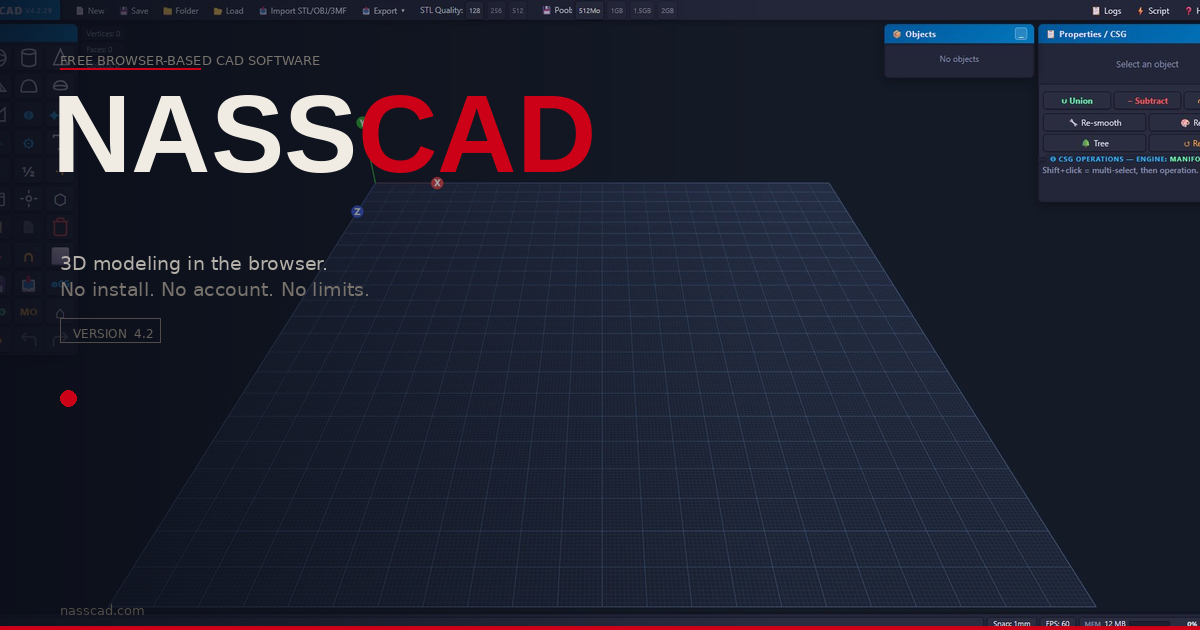
The image illustrates the browser-based interface and the tool's ability to perform parametric modeling locally.
The software distinguishes itself through its handling of complex geometry and file formats. It supports the import and export of STEP files (AP203, AP214, and AP242), which are standard for exchanging 3D models in engineering. For large assemblies, NASSCAD utilizes a native engine called MEDUSA. In the Windows desktop edition, MEDUSA runs as a separate process communicating via an internal pipe, allowing for high-performance C++ boolean operations and CPU parallelism. In the browser edition, the tool falls back to Manifold WASM for boolean operations when a native engine is not connected, ensuring that basic modeling remains functional without external software.\n Despite its capabilities, the tool faces specific technical trade-offs regarding geometry preservation and performance. While NASSCAD can import and export STEP files, it does not recover the original modeling history, such as sketches or constraints, from imported files. Furthermore, while the tool offers a 'native' export path that reuses source B-Rep data for unchanged bodies, any geometry modified via CSG (Constructive Solid Geometry) or mesh editing results in a loss of the original analytic representation, falling back to a mesh or faceted B-Rep. Users are encouraged to verify results in receiving CAD tools to ensure that dimensions and body counts remain accurate after complex edits.
In terms of user experience, the browser-based interface is designed to be responsive, though it relies on the local machine's hardware for rendering and computation. The application includes a variety of navigation shortcuts and a 'magnetic snap' feature that allows for precise alignment of objects. While the desktop version provides a more robust environment for heavy workloads, the browser version remains a viable option for standard modeling tasks, supported by a JavaScript fallback for core operations when native acceleration is unavailable.