PowerShell is a task automation and configuration management framework made up of a command-line shell and a set of built-in cmdlets. While many users associate it exclusively with Windows, PowerShell 7 (also known as PowerShell Core) is a cross-platform version built on .NET Core, making it available for use on macOS and Linux. Unlike traditional Unix-style shells like Bash or Zsh, which primarily treat data as strings, PowerShell is fully object-oriented. This means that instead of parsing text with external tools like `jq`, PowerShell can natively handle complex data types such as integers, strings, arrays, and hash tables, and can even convert directly to and from JSON.
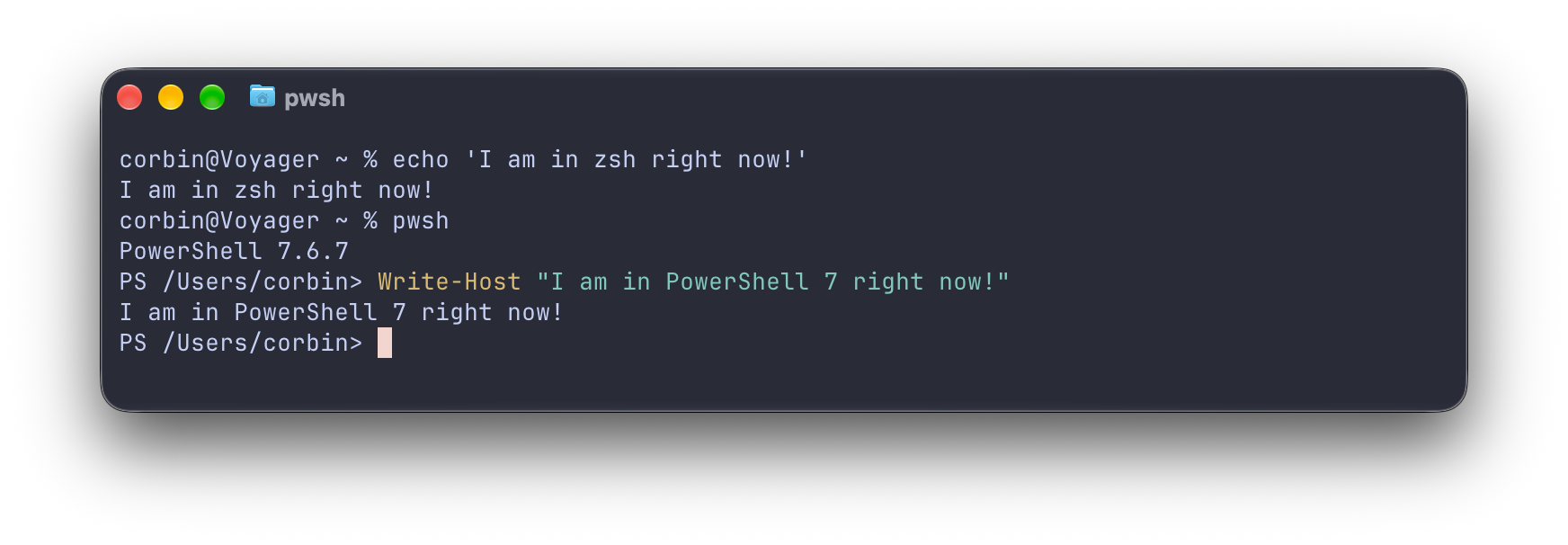
This image illustrates the difference between traditional Unix-style shells like ZSH and the object-oriented approach of PowerShell.
For developers accustomed to Bash, PowerShell offers a different approach to script construction. Bash scripts often rely on POSIX commands and external utilities (like `curl` or `wget`) to perform basic operations, which can lead to reliability issues when running scripts on different systems with varying software configurations. In contrast, PowerShell includes a wide array of built-in cmdlets—typically named using a verb-noun convention like `Set-Location` or `Remove-Item`—that provide consistent behavior across platforms. A notable feature is PowerShell's built-in parameter support; for example, a script can define a mandatory URI input using a `Param` block, which automatically handles input validation and provides help documentation via the `Get-Help` command, significantly reducing the boilerplate code required in Bash.
Despite these advantages, PowerShell has specific trade-offs and limitations depending on the environment. On Windows, it provides unique capabilities like virtual drives for the Registry, allowing users to manage system settings as if they were file system paths. However, some Windows-specific cmdlets (such as `Get-Service` or `Get-NetAdapter`) do not have direct equivalents on Linux or macOS, which can limit the portability of scripts that rely on deep system integration. Additionally, some users note that PowerShell can experience JIT (Just-In-Time) compilation lag or verbosity compared to more lightweight shells. Nevertheless, for tasks involving complex data manipulation, .NET integration, or cross-platform automation where structured output is required, PowerShell provides a more predictable and reusable framework than traditional shell scripting methods.
One of the most significant technical advantages of PowerShell is its handling of structured output. Because the shell returns objects rather than raw text, it eliminates the need for complex string parsing, which is a common source of failure in Bash scripts. This is particularly useful when interacting with web APIs, as PowerShell can capture a JSON response and immediately treat it as a navigable object. For instance, when creating a script to migrate blog posts, PowerShell can map API data directly into custom objects, handle date conversions from Unix timestamps, and output the final data into a structured JSON format for static site generators. This level of native data handling simplifies the logic required to manage metadata, file structures, and content transformations in a single script.
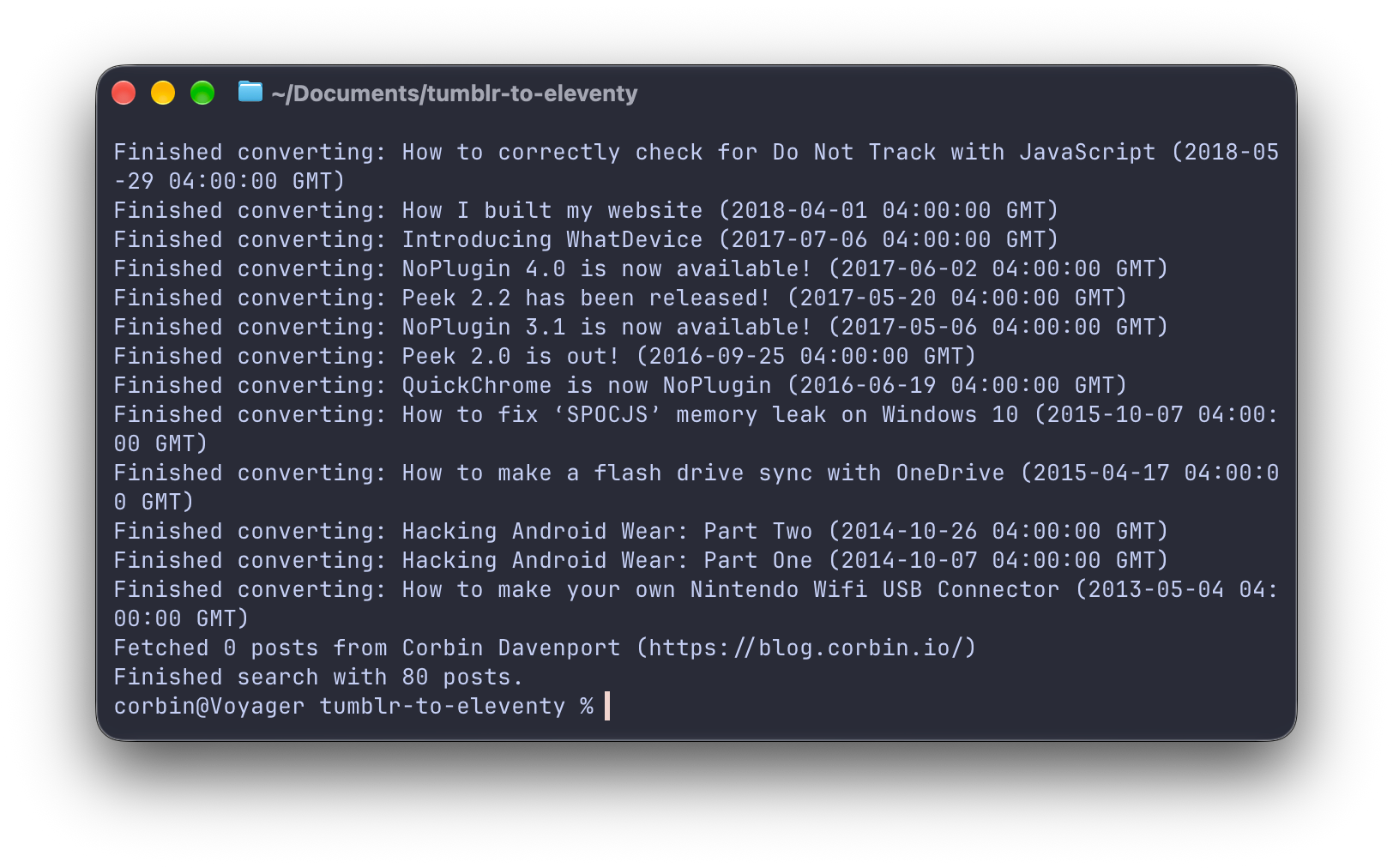
This visual supports the example of using PowerShell to map API data and handle content transformations for static site generators.
While PowerShell is a powerful tool for automation, it is not a universal replacement for all scripting needs. For high-performance, file-based applications, some developers prefer moving logic into a dedicated language like C# to avoid the overhead of a shell environment. Furthermore, for interactive terminal use, some users prefer shells like Fish or Nushell for their specific syntax or data-handling features. However, for the specific use case of 'glue' code—scripts that need to move files, call APIs, and manage system configurations across different machines—PowerShell's ability to combine high-level programming concepts with low-level system access makes it a compelling alternative to both Bash and full-scale programming languages like Python or Node.js.