Sill is a remote desktop application designed to project a Mac window—or the entire desktop—onto an iPhone or iPad. Unlike many remote access solutions that rely on cloud infrastructure, Sill operates entirely over a peer-to-peer connection. This means the data travels directly between the Mac and the mobile device, ensuring that no third-party servers ever see the transmitted content. The application is free and open-source, and it supports interaction via touch, Apple Pencil, trackpads, and physical keyboards.
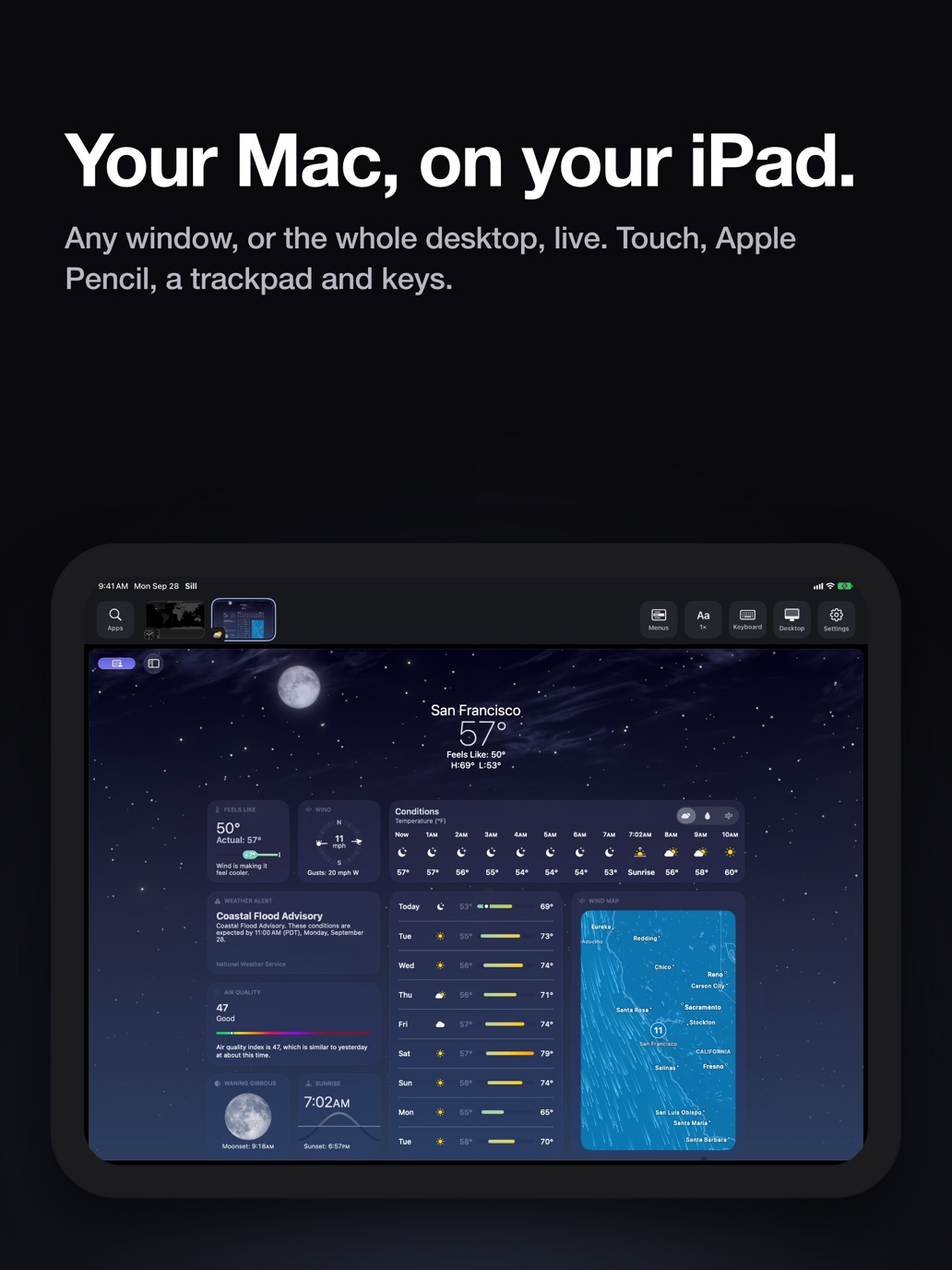
The image illustrates the primary function of Sill: projecting a Mac window onto a mobile device.
The technical mechanism relies on the Mac capturing the selected window using ScreenCaptureKit and encoding the feed into HEVC video via VideoToolbox. This hardware-accelerated encoding ensures high-quality visuals while minimizing latency. The stream is transmitted over an encrypted TLS 1.3 connection. To maintain a responsive experience, Sill is designed to drop frames rather than queue them if the network connection falls behind, ensuring the user always sees the most current state of the Mac's display. User inputs, such as taps, clicks, and keyboard strokes, are sent back to the Mac and converted into system events using macOS Accessibility permissions.
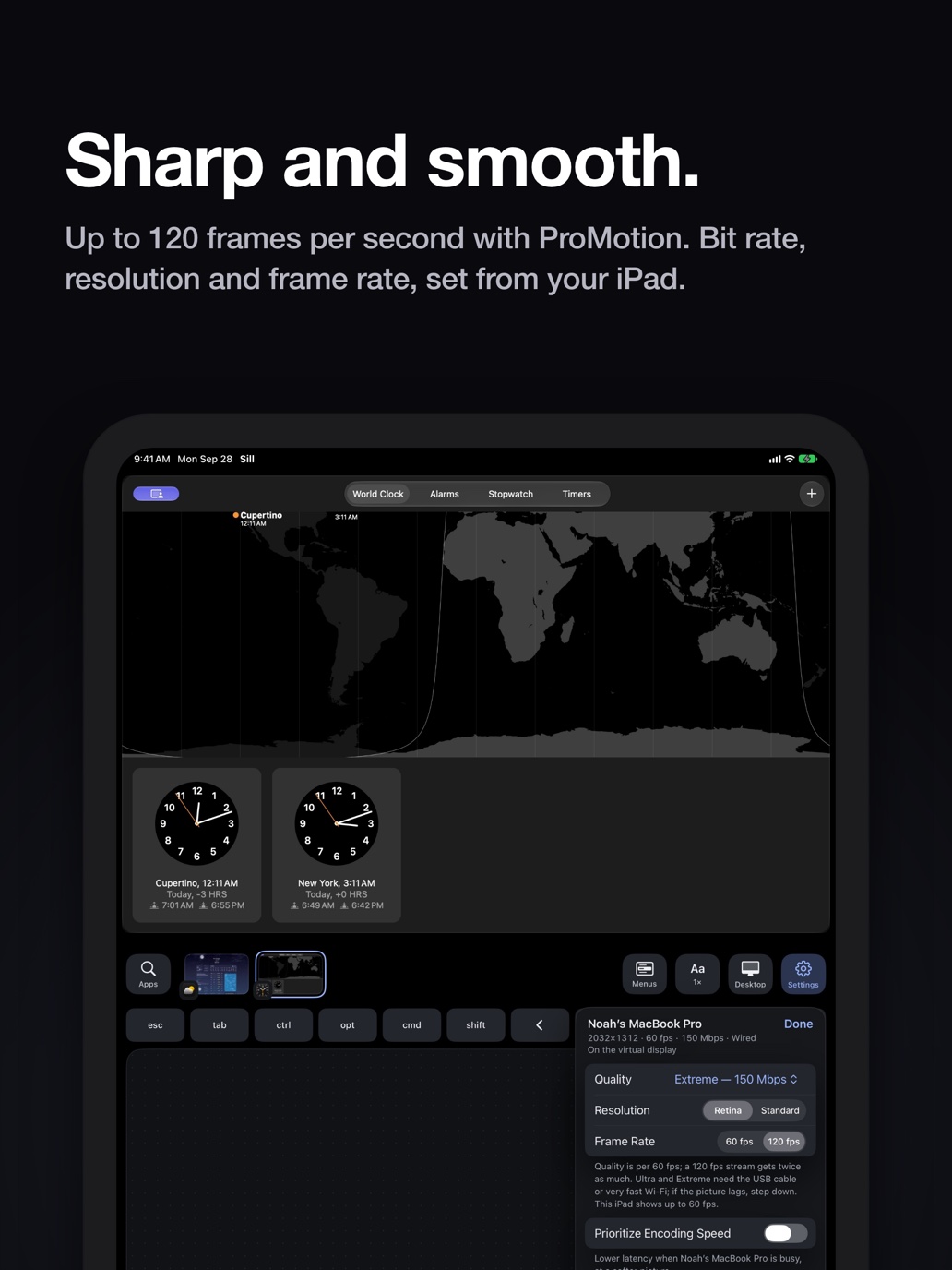
This image relates to the technical mechanism of encoding and maintaining a responsive experience.
Connectivity is handled through several methods depending on the user's location. On a local network, Sill uses Bonjour to discover the Mac, with the option to connect via a USB cable for a wired experience. For peer-to-peer connections without a shared network, it utilizes a Direct Wireless Connection (similar to AirDrop's technology). When users are away from home, the app supports Remote Access through a personal VPN, such as Tailscale, or via port forwarding. While the app offers a seamless experience, it has specific limitations: it does not transmit audio from the Mac, and the shared clipboard is restricted to text under 256 KB. Additionally, the app requires the Mac to remain awake to maintain the session, and it does not currently support a 'reverse' mode where an iPhone app can be controlled from a Mac.
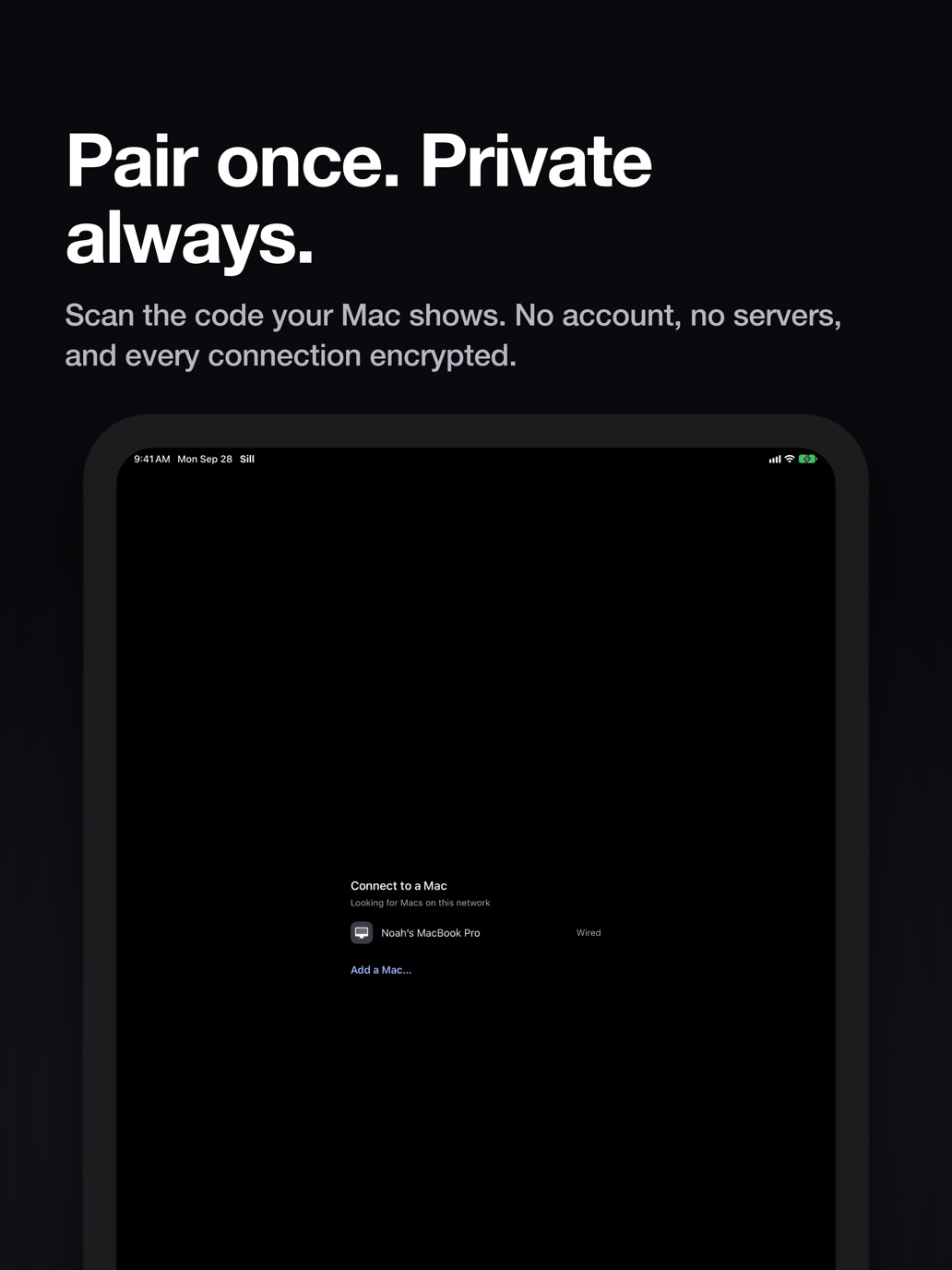
This visual supports the description of the various connectivity methods, including wired and wireless options.