Windows 11 continues to carry a functional piece of the Windows 95 kernel to maintain backward compatibility for older software. This is achieved through a compatibility fix known as EmulateHeap. This mechanism provides legacy applications with the specific memory management behaviors of Windows 95 when those programs depend on its 'forgiving' nature—specifically, how it handles memory allocation and deallocation.
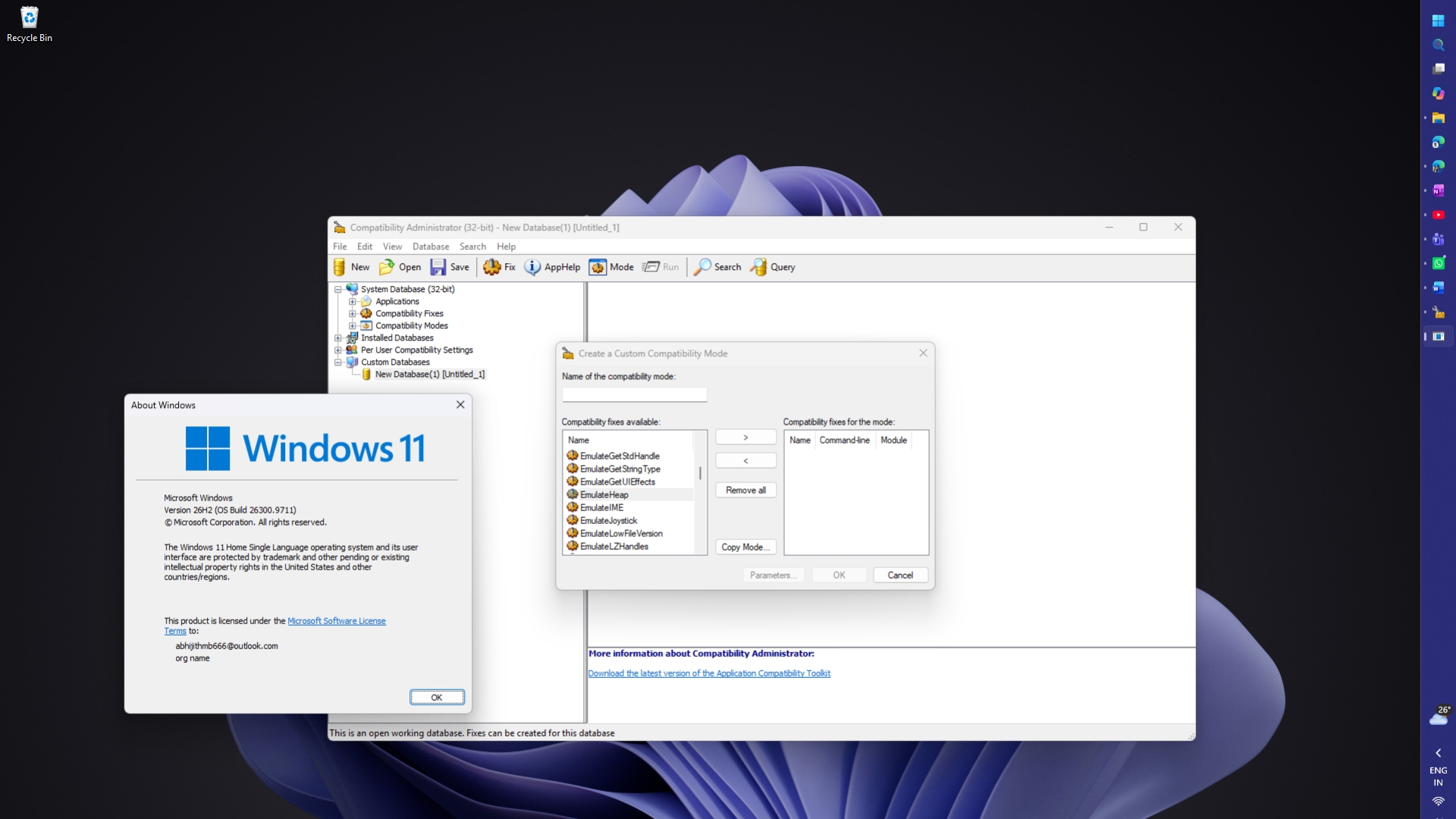
This image illustrates the EmulateHeap mechanism which provides legacy applications with the specific memory management behaviors of Windows 95.
The history of this technical debt dates back to the era of Windows 95. For example, the original SimCity for Windows 3.x contained a 'use-after-free' bug where the game would read memory that had already been freed. Because Windows 95 did not immediately reclaim that memory, the game functioned correctly. When the game broke on Windows 95 betas, Microsoft modified the OS to detect SimCity and run its memory allocator in a special mode. More broadly, many other applications relied on these specific quirks. To address this, Microsoft developed EmulateHeap, which redirects an application's heap calls—such as HeapCreate and LocalLock—to replacements that mimic the Windows 95 environment.
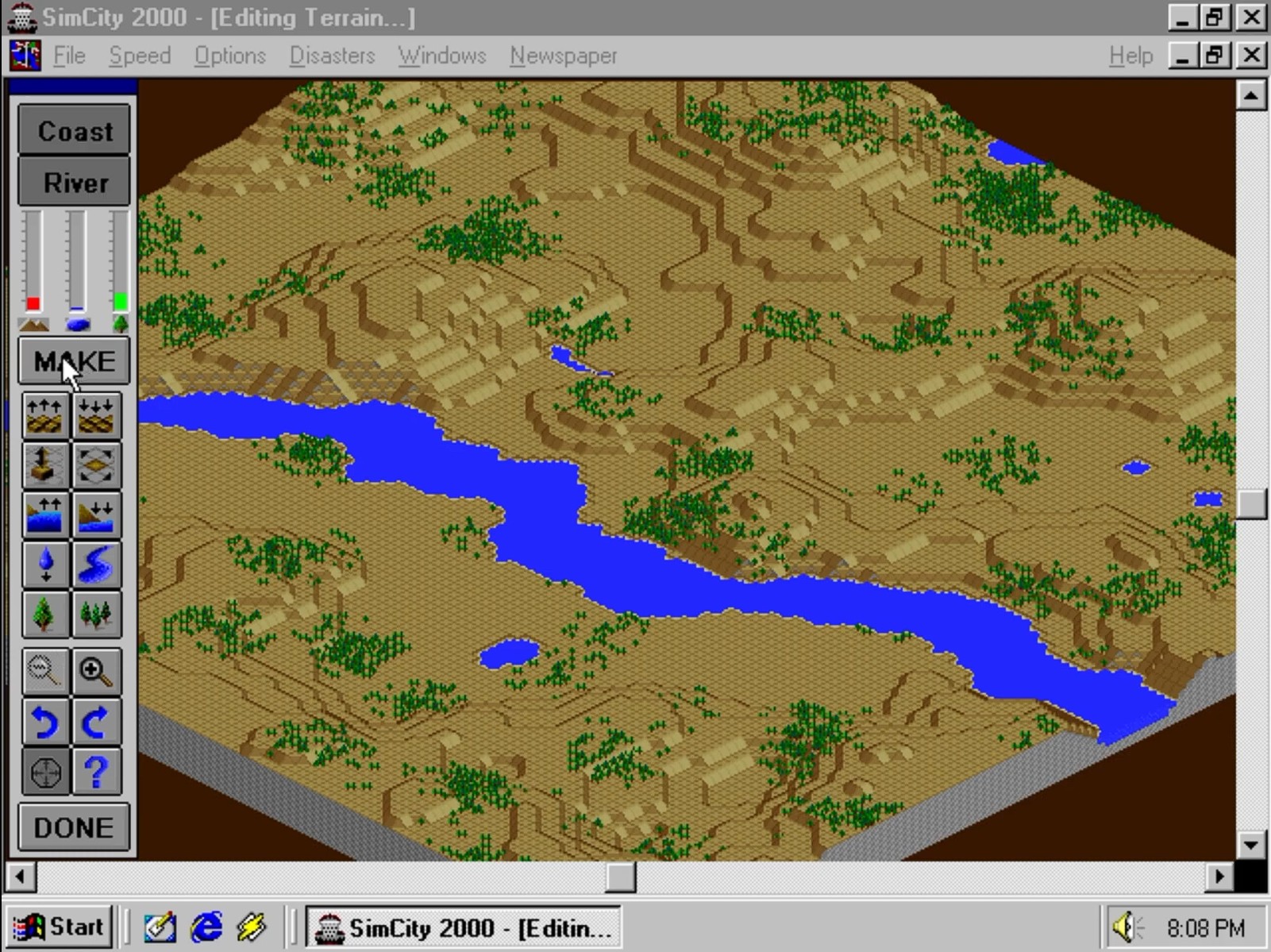
The article mentions SimCity for Windows 3.x as a primary example of software that relied on Windows 95's forgiving memory allocation.
Technically, EmulateHeap works by including a recompiled copy of the Windows 95 Heap Manager source code within the Windows application compatibility framework. While this means a significant chunk of the Windows 95 kernel exists inside modern Windows 11, the code only loads from the hard drive when EmulateHeap is specifically enabled for a particular application. This ensures the OS does not run Windows 95 code in the background for every process. However, this legacy support is not perfect; users have reported that some games, such as GTA Vice City, lost sound or crashed when the shim was enabled, illustrating the inherent difficulties in perfectly replicating 30-year-old memory behaviors in a modern architecture.
This persistence of legacy code highlights a core tenet of Microsoft's compatibility strategy. While the company is simultaneously modernizing the user interface with WinUI 3, it maintains these 'hidden' kernel components to ensure that older, often mission-critical software remains functional. The trade-off is a larger compatibility infrastructure that must be maintained, even as the underlying hardware and software paradigms have shifted significantly since the mid-1990s. This approach allows for a seamless transition for users of older software, even if it requires carrying decades-old code into the modern era.
Users and administrators can verify the presence of these fixes using the Compatibility Administrator tool, which is part of the Windows Assessment and Deployment Kit (ADK). By searching the custom databases within this tool, one can find EmulateHeap listed among the various 'shims'—small pieces of code designed to intercept API calls—that Microsoft provides to bridge the gap between modern operating systems and legacy software requirements.
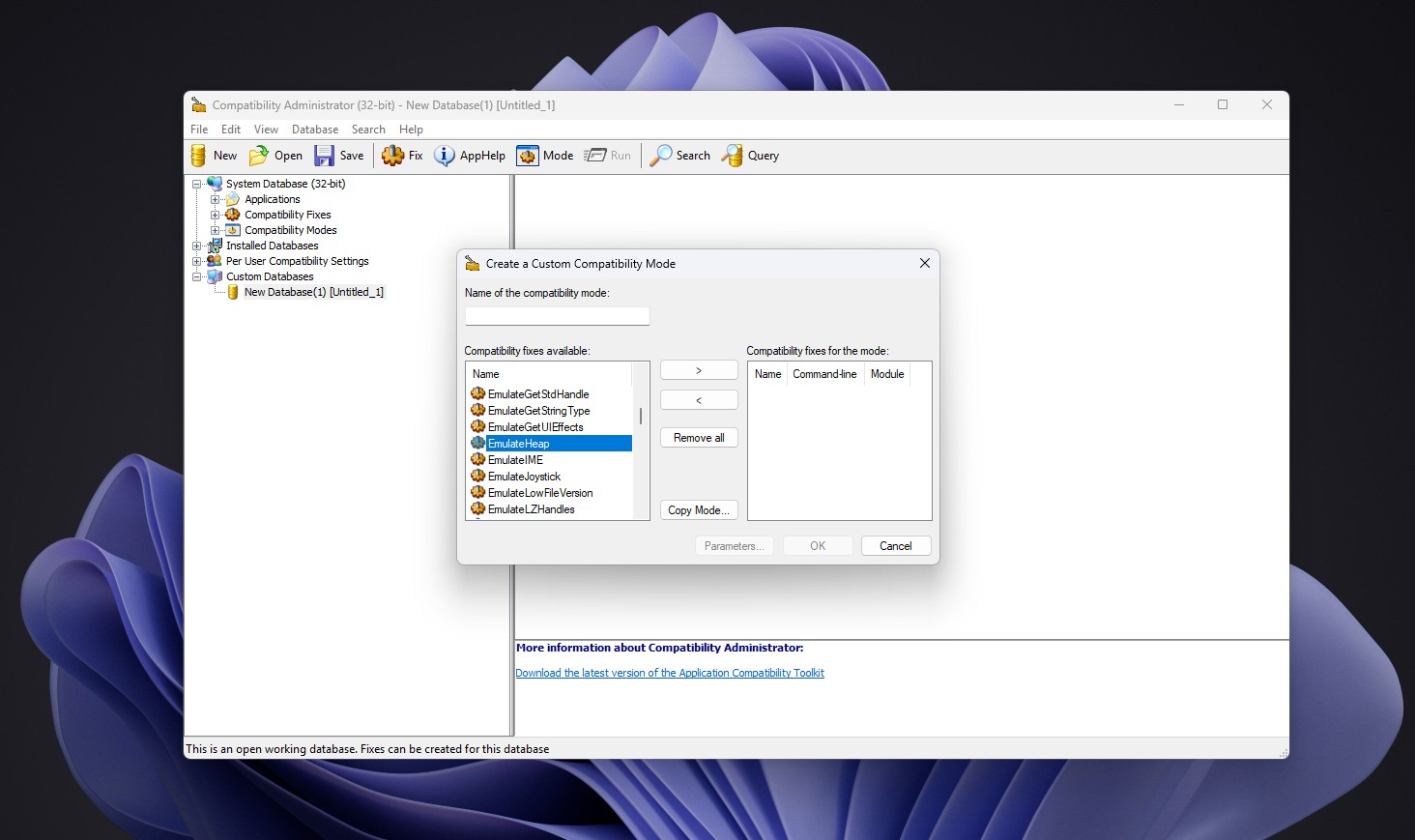
Users and administrators can verify the presence of these fixes using the Compatibility Administrator tool, where EmulateHeap is listed among the various shims.