Many modern smart TVs run on Android TV OS, which often includes a 'Google TV' interface. While this provides access to popular streaming apps, it also introduces persistent advertisements in the form of large promotional banners at the top of the home screen—even when set to "Apps only" mode. To eliminate these ads and reclaim control over the user interface, developers have identified a method involving several software replacements and system-level modifications via Android Debug Bridge (ADB).
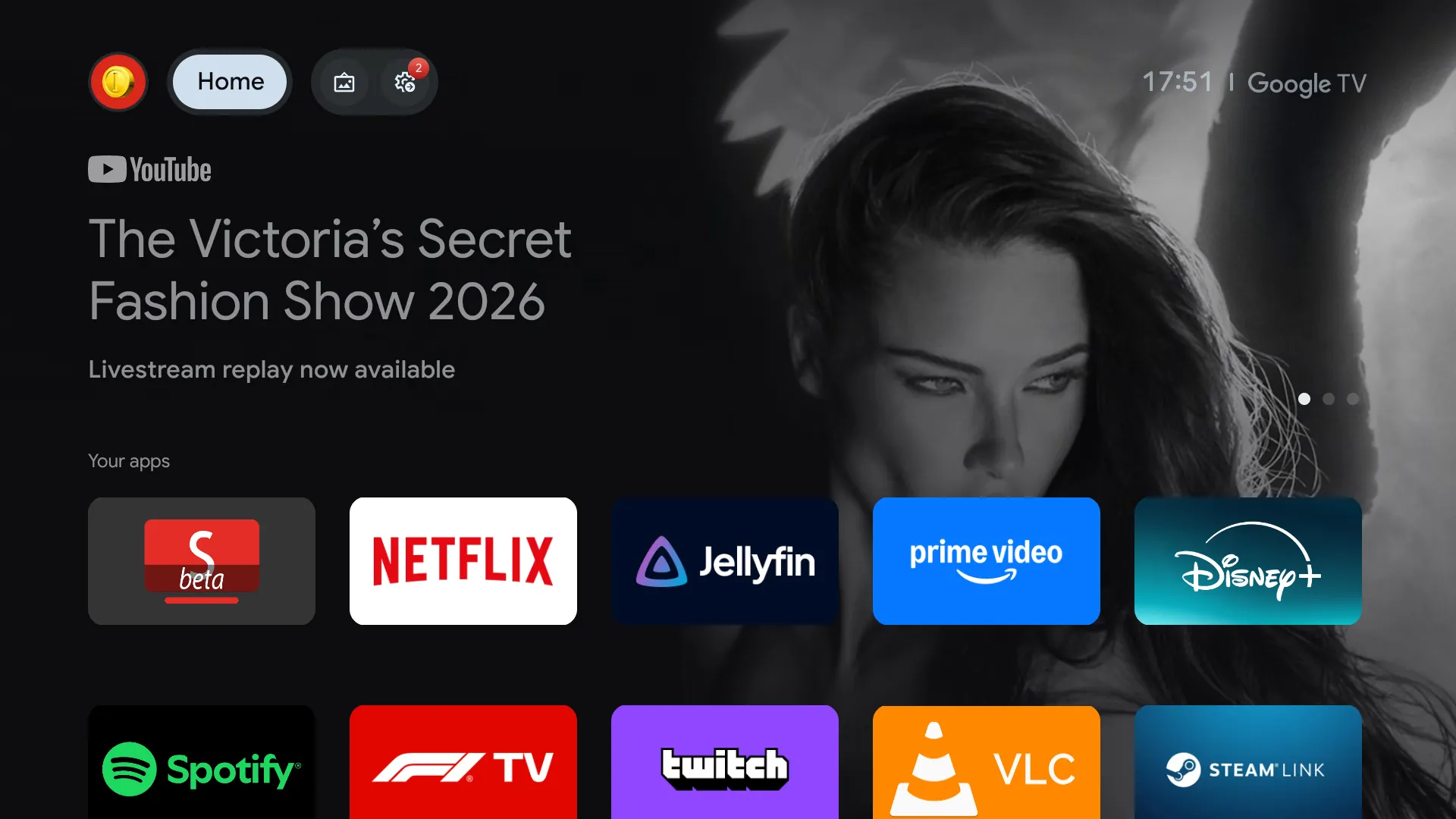
This image illustrates the persistent advertisements found in the native Google TV interface described in the first paragraph.
The core of the solution involves replacing the native launcher with a customizable alternative such as Projectivy Launcher. Because simply installing a new app does not always override the primary UI, users must use ADB commands to explicitly disable the package names for the stock Google launcher (`com.google.android.apps.tv.launcherx`) and its restoration service (`com.google.android.tungsten.setupwraith`). Once disabled, the custom launcher is designated as the official home activity. This ensures that the device boots directly into a clean list of applications without any pre-loaded video ads or sponsored content.
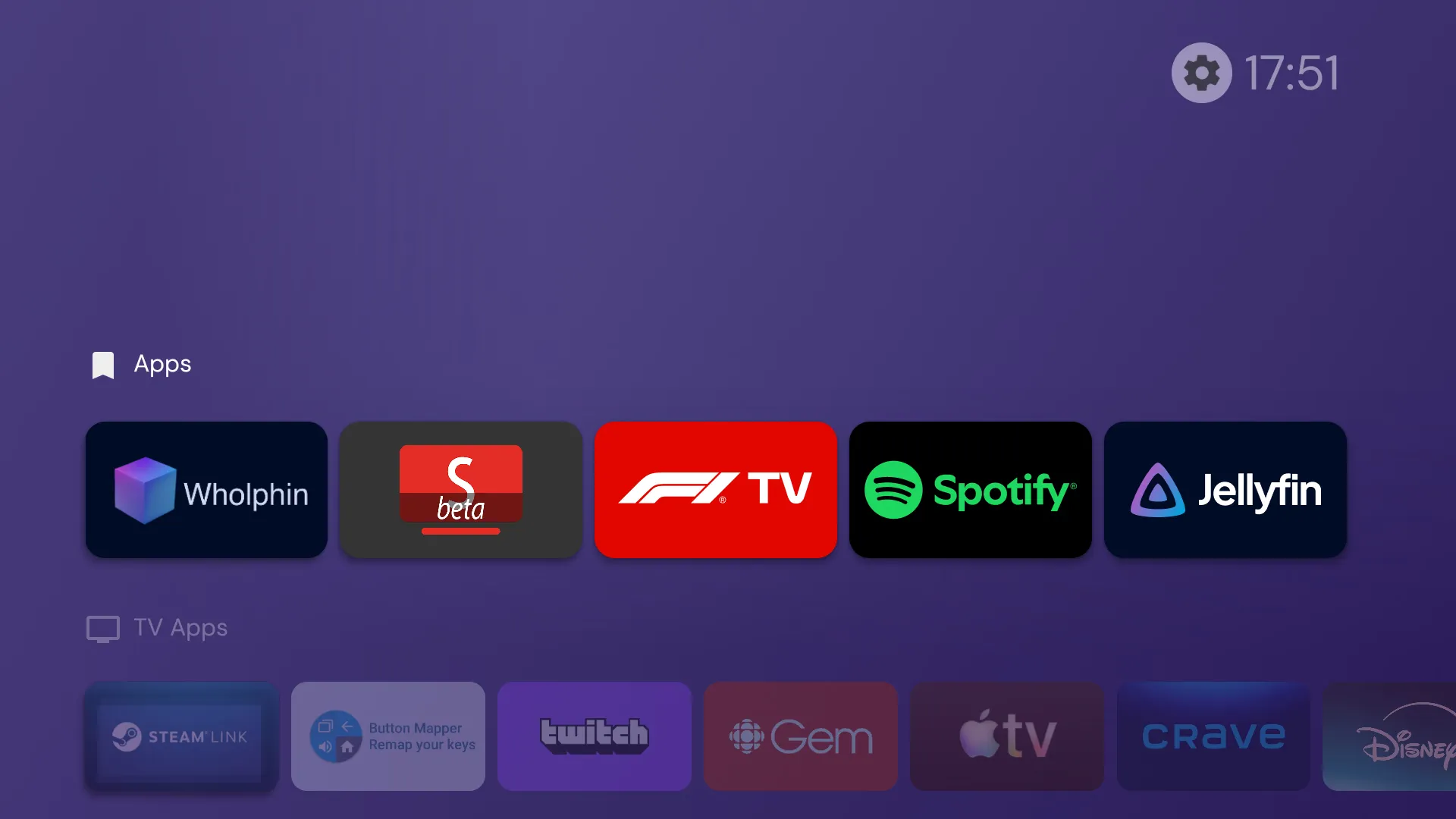
This visual demonstrates the clean, ad-free UI achieved by replacing the native launcher with Projectivy.
Beyond the home screen, specific high-traffic apps can be swapped out to further reduce ad exposure. For instance, using SmartTube instead of the official YouTube app allows for an ad-free experience with integrated SponsorBlock functionality. Users can then utilize tools like Button Mapper to remap physical remote buttons so they launch these third-party alternatives automatically. Additionally, performance can be optimized by adjusting window animation scales through global settings and disabling background services from Google—such as those related to Play Games or Feedback—that are unnecessary for basic media consumption. While this setup requires technical knowledge of sideloading and command-line interaction, it provides a significantly more streamlined interface for both power users and casual viewers alike.
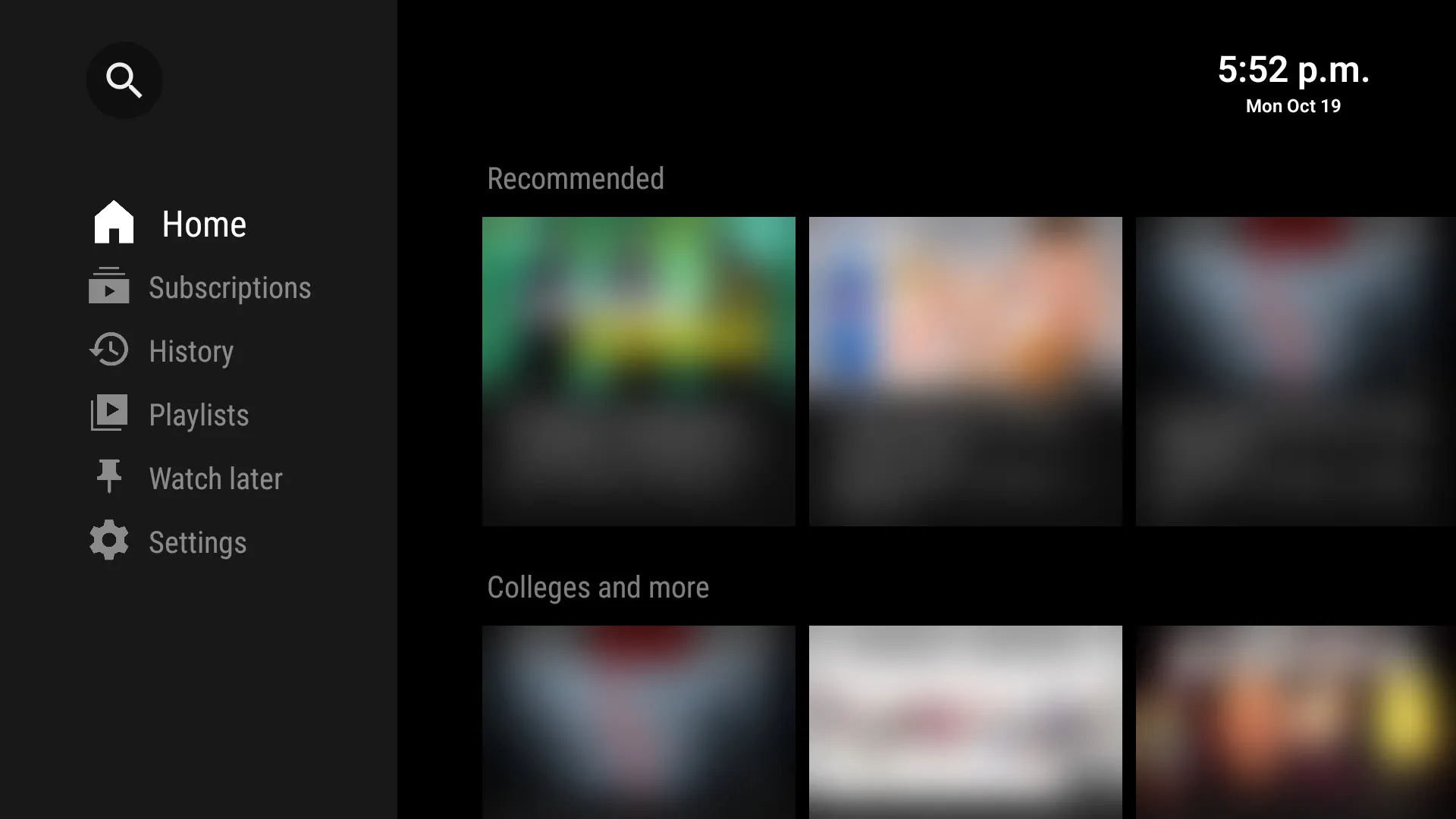
This image shows the SmartTube interface mentioned as a high-traffic app replacement to reduce ad exposure.
A notable limitation involves hardware integration: some manufacturers tie their native launchers to functions like switching HDMI inputs. Disabling the system's default software may occasionally interfere with these specific hardware controls, requiring users to verify input switching after modifying the package status. Furthermore, while ADB commands provide deep access, maintaining stability across different TV brands (like Hisense vs. Chromecast) may require minor adjustments to IP addresses and port configurations during the initial wireless debugging phase.
In summary, removing advertisements from Android TV is achieved by systematically replacing three components: the primary launcher, the video streaming client, and the button mapping logic. By combining Projectivy Launcher for UI management, SmartTube for content delivery, and ADB commands for system-level overrides, owners can transform an ad-heavy smart TV into a dedicated, clean media hub.