Pocketty markets itself as an SSH terminal for iPhone and iPad that is “made for herdr.” Its core promise is to notify you the moment an agent is blocked or done, so you can answer it in a real terminal directly from your phone. The notification arrives as a push alert that only your device can decrypt, ensuring that no intermediate server can read the agent’s state or your response. Once you tap the alert, Pocketty opens the exact Pane over SSH, giving you full keyboard input—including Return, Esc, Ctrl, arrow keys and symbols—so the agent receives genuine keystrokes as if you were at your desk.
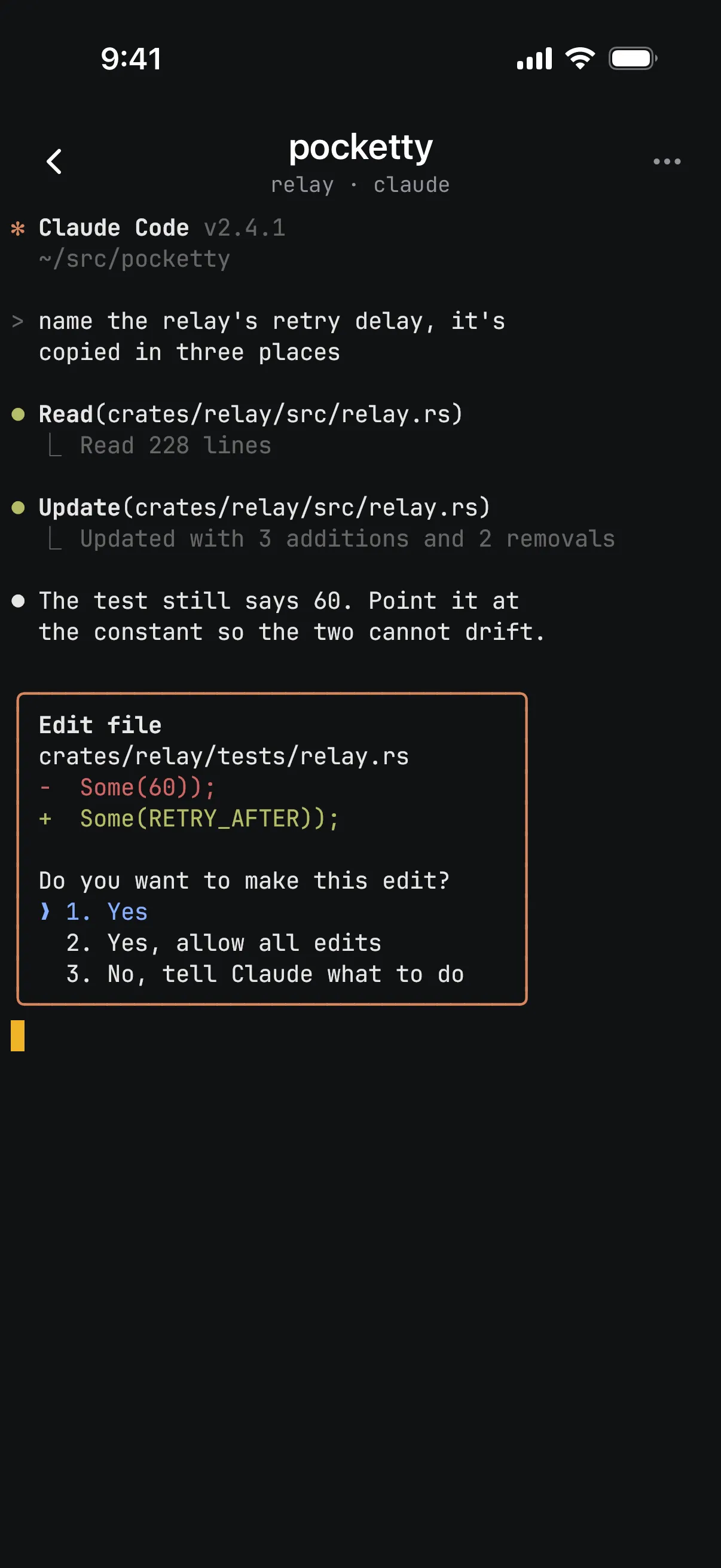
The article explains that tapping a notification opens the exact Pane over SSH, providing full keyboard input from the iPhone.
Beyond simple alerts, the app provides several developer‑focused conveniences. When a Pane opens a local port, Pocketty offers a preview of that page through your SSH connection, eliminating the need for separate tunnel setup. You can also swipe to view a diff that shows only the files changed since the agent began its current turn, sourced from snapshots taken by a daemon on your host machine. The same daemon captures each turn’s changes, letting you review “last turn,” “session,” or “uncommitted” edits without leaving the Pocketty interface.
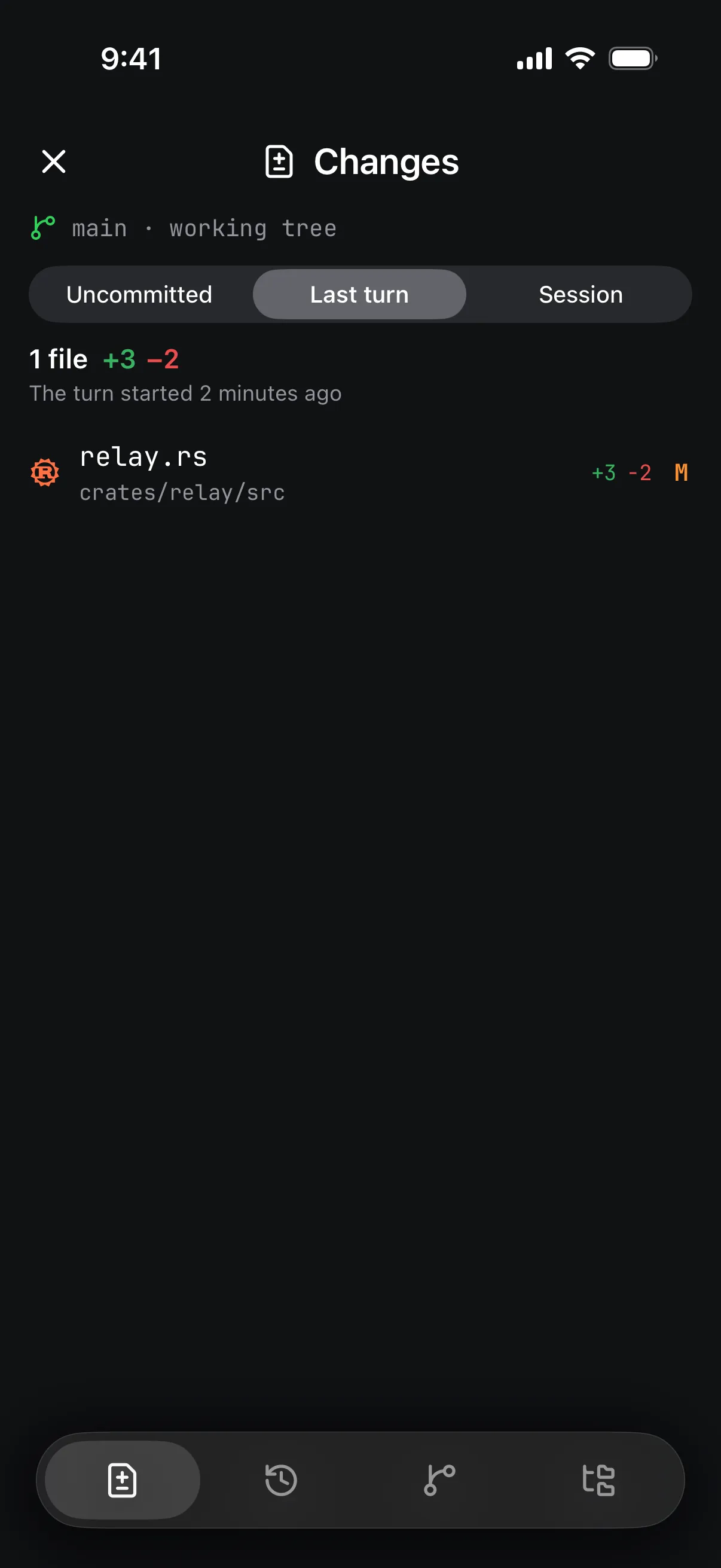
The article mentions that the daemon captures each turn's changes, allowing review of 'last turn' edits, which this Changes tab illustrates.
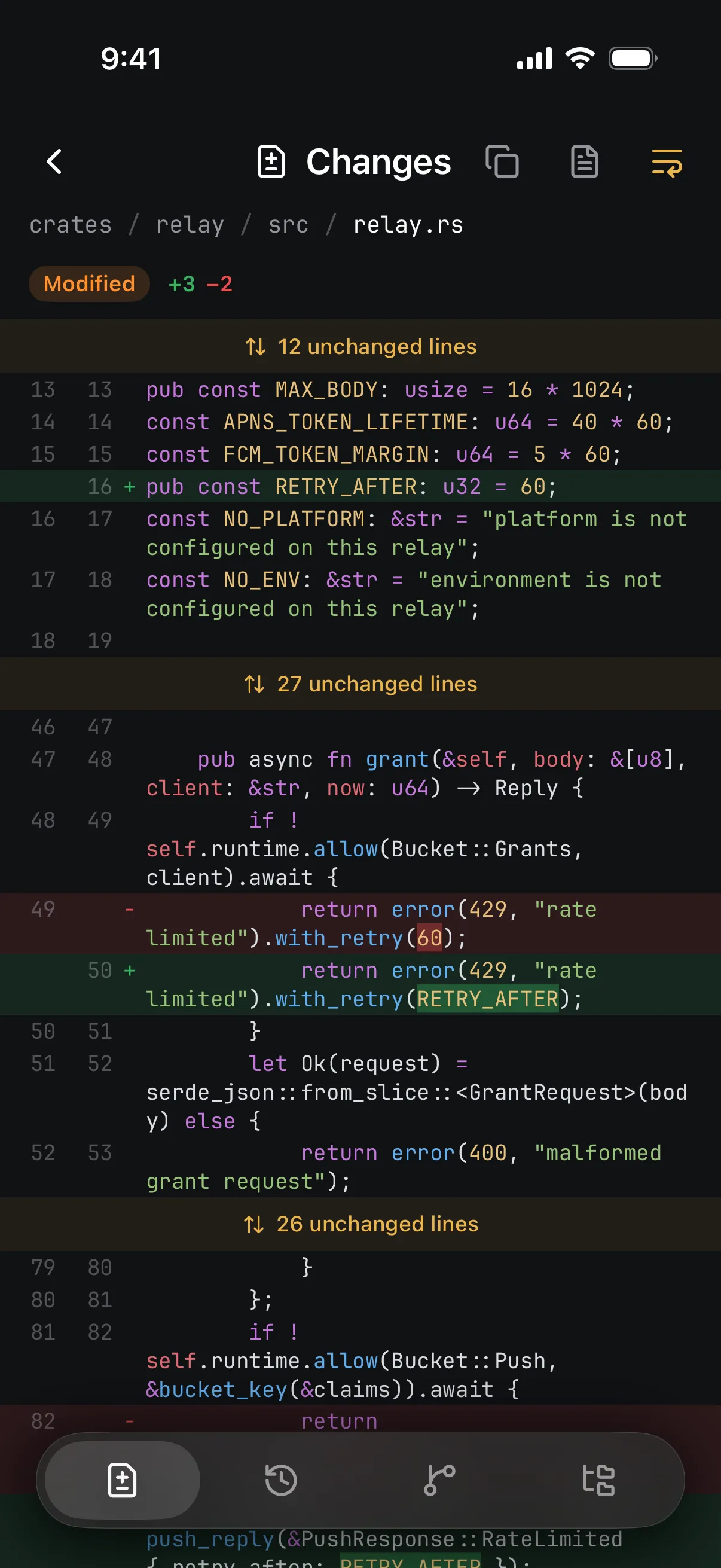
The article describes the ability to swipe to view a diff of files changed since the agent's turn began, as shown here with a constant replacing two 60 values.
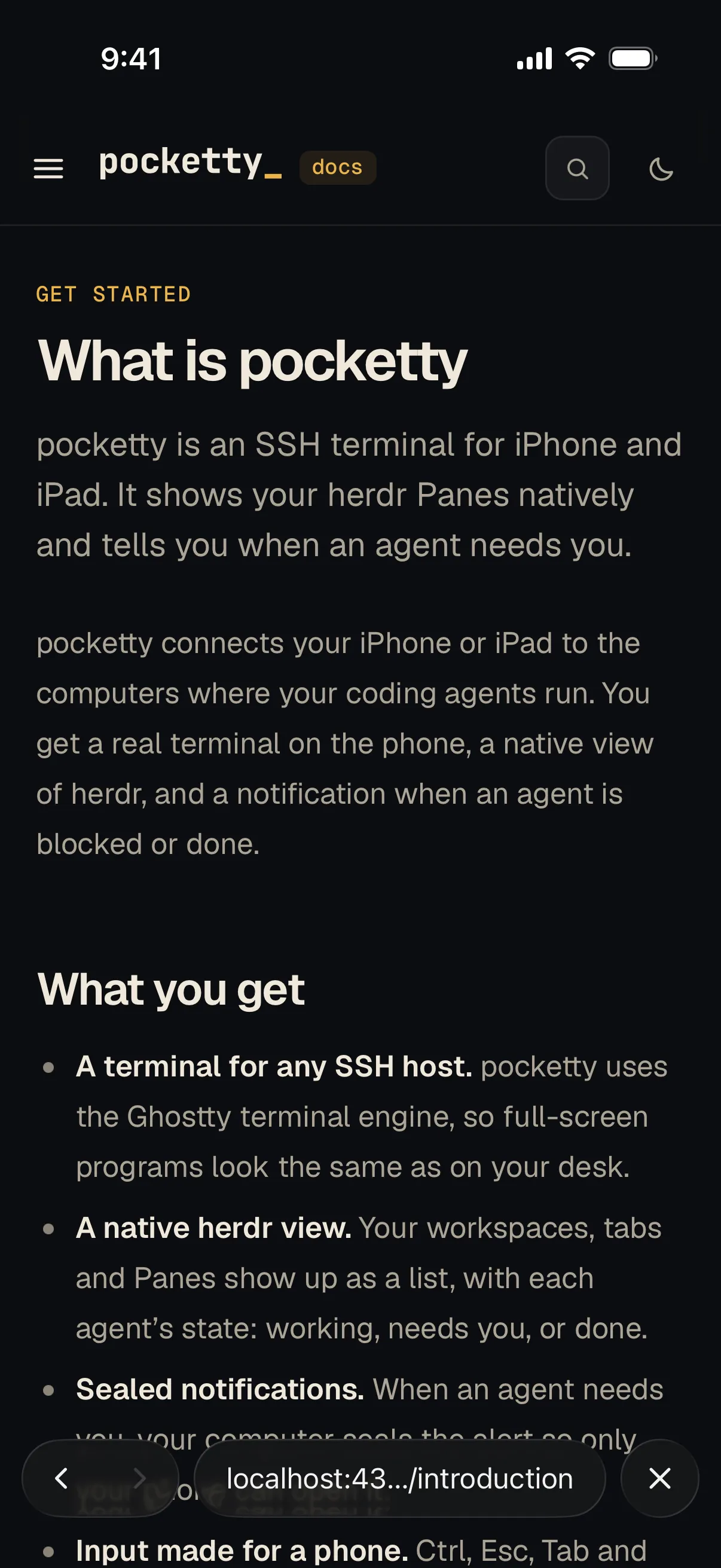
The article states that when a Pane opens a local port, Pocketty offers a preview of that page through the SSH connection, eliminating the need for separate tunnel setup.
Regarding cost and availability, Pocketty offers a 14‑day free trial after which a one‑time launch price of $99 applies (later increasing to $129). There is no subscription, no account required, and no ads. While the app shines when paired with the herdr framework—which supplies native Pane views and live agent state—it also works as a plain SSH client for any computer you can reach, allowing you to run ordinary shells, tmux, or zellij if herdr is not installed. This flexibility means you get secure, end‑to‑end encrypted agent notifications on your iPhone without sacrificing the ability to use Pocketty as a conventional SSH terminal when needed.
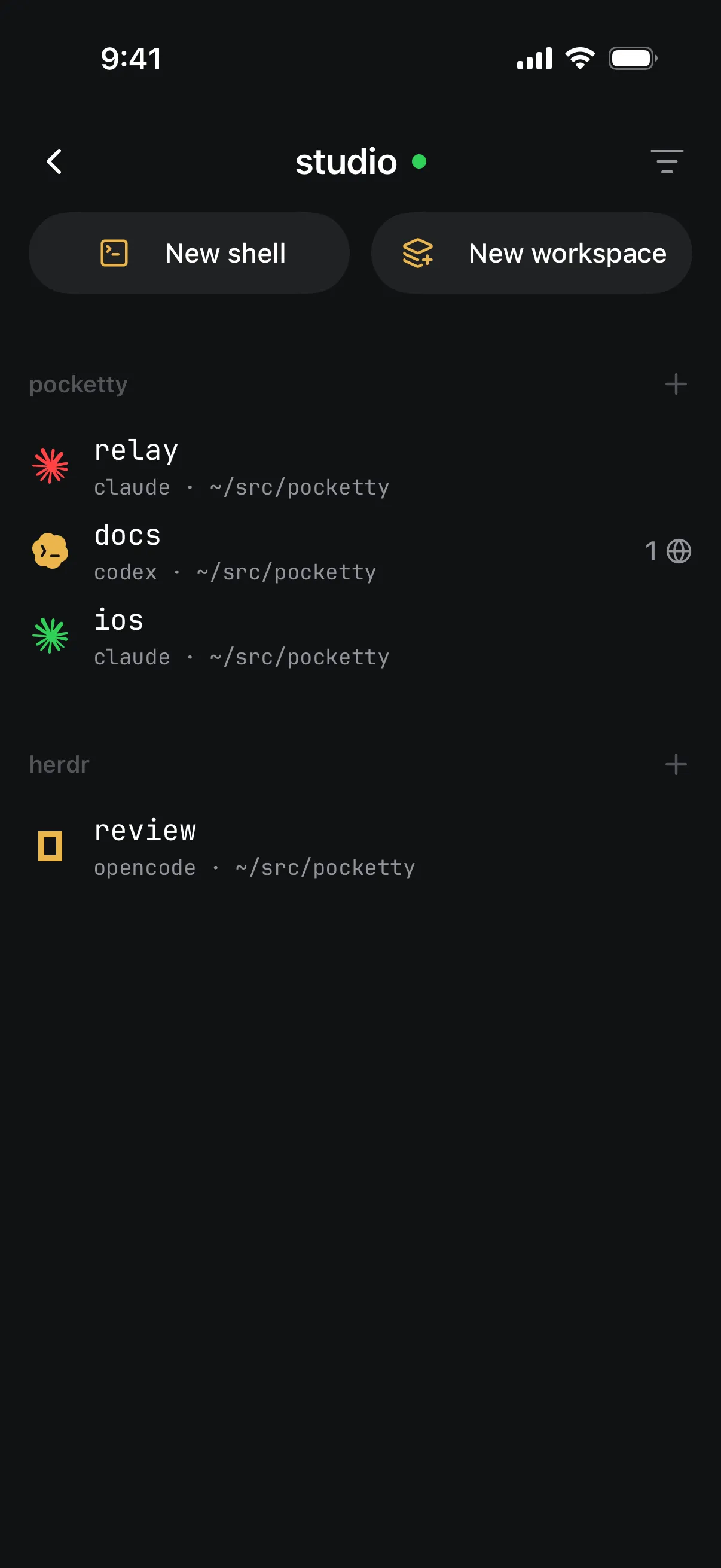
The article notes that Pocketty works best with the herdr framework, which provides native Pane views and live agent state, as illustrated by this workspace view.