Bigwords.page is a free web tool that turns any browser into a full‑screen sign, timer or message simply by visiting a specially crafted URL. No account, login or server‑side storage is required; the entire display description—text, colors, fonts, slides, timers and other options—is placed in the URL fragment after the # symbol.
Because browsers never send the URL fragment to a server, the application consists of a single static HTML page that reads the fragment client‑side. JavaScript parses the message and parameters, applies a limited Markdown subset (**bold**, *italic*, # and ## headings, explicit line breaks via %0A), handles slide separators (||) that rotate on a timer set by the interval parameter, expands the {countdown} token when a timer or until value is provided, generates QR codes or images from encoded URLs, and applies animations such as pulse, flash, scroll or rainbow. The text is automatically scaled to fill the available screen width and height, working on phones, tablets, laptops and smart TVs.
Example uses shown in the documentation include an arrivals sign (“WELCOME HOME,%0AGRANDMA!”), a quiz timer with a live countdown, a café Wi‑Fi password displayed alongside a scannable QR code, and a New Year countdown that switches to a greeting when the timer reaches zero. The design keeps data private by default but also imposes a practical limit: very long messages or many slides may exceed URL length limits and cannot be stored server‑side, so users must split content across multiple links. There is no backend to save or retrieve displays, and the tool relies entirely on the client’s browser for rendering.
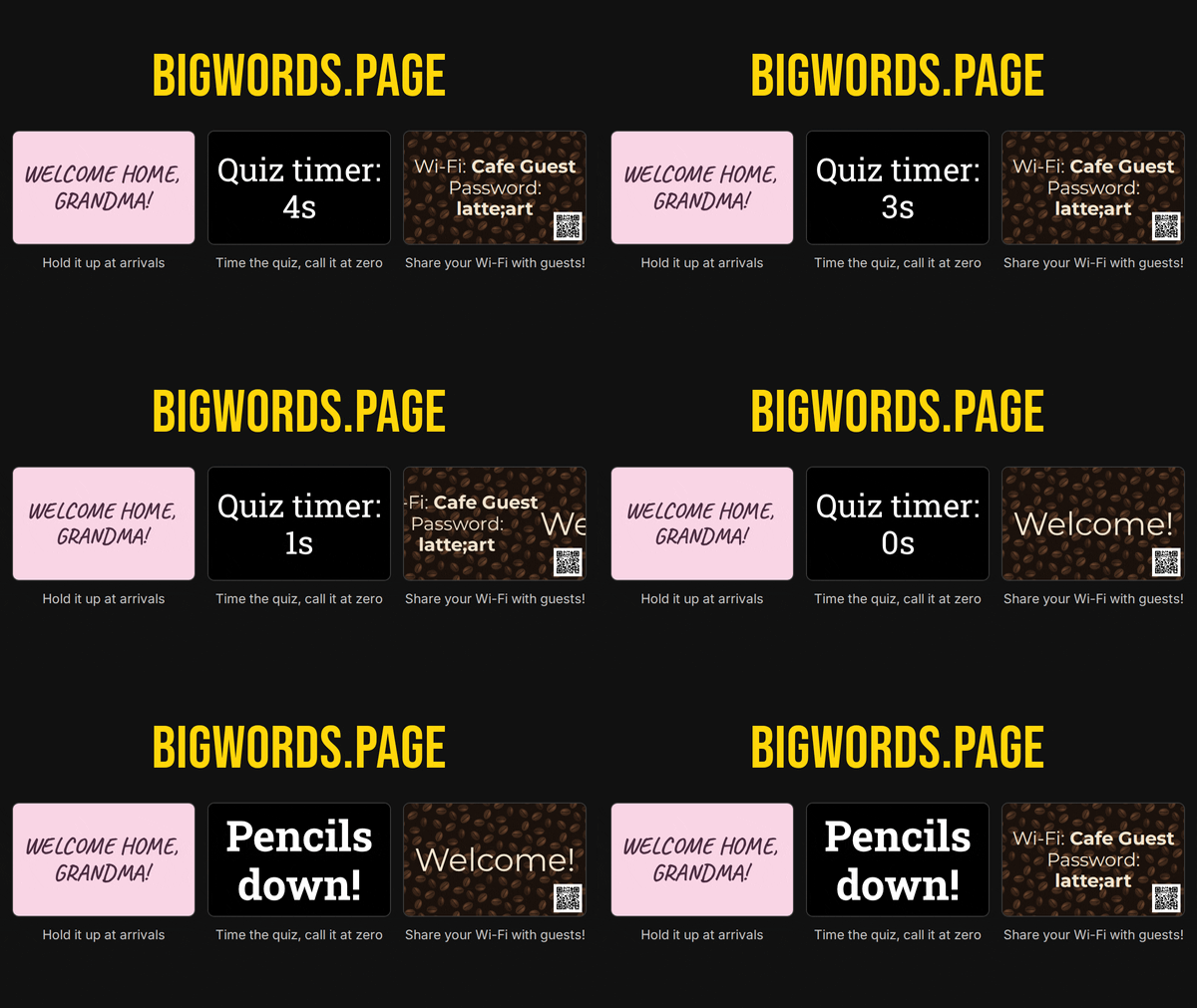
This image demonstrates the specific example uses mentioned in the article: an arrivals sign, a live countdown timer for a quiz, and a café Wi‑Fi password accompanied by a scannable QR code, all created with Bigwords.page.