When DVDs emerged in the late 1990s, they introduced interactive menus that went beyond the linear experience of VHS tapes. The video on a DVD is stored as an MPEG‑2 stream at 720×480 pixels in NTSC regions or 720×576 pixels in PAL regions, while interactive elements are drawn as subpictures that can show only four colours at a time chosen from a palette of 16. The DVD Virtual Machine provides sixteen writable General Parameter Registers (GPRMs) and twenty‑four read‑only System Parameter Registers (SPRM s) for storing simple state, giving designers a very limited amount of memory to work with.
Despite these constraints, studios created memorable menu experiences. The Scooby‑Doo 2: Monsters Unleashed disc featured a 3‑D‑styled mining‑town backdrop, two playable mini‑games (Behind‑the‑Mystery Mystery and The Scooby‑Doo Monsters Unleashed Challenge) and animated transitions that mirrored scenes from the film. Shrek 2 opened with a Brady‑Bunch‑style tableau of the cast arguing, surrounded by clickable windows that led to art galleries, music, an interactive map, and games such as Far Far Away Idol. The Rocky Horror Picture Show menu began with the iconic lips, then let legs in heels walk across options while red curtains slid aside for the play command, and Wayne’s World simulated flipping through a cable‑box guide filled with fake adverts and channel listings. Doctor Who releases often placed the Tardis console at the centre of the menu, with items presented on and around it and occasional depictions of the time vortex.

This image shows the Rocky Horror Picture Show menu cited in the article for its iconic lips, legs in heels, and sliding red curtains.
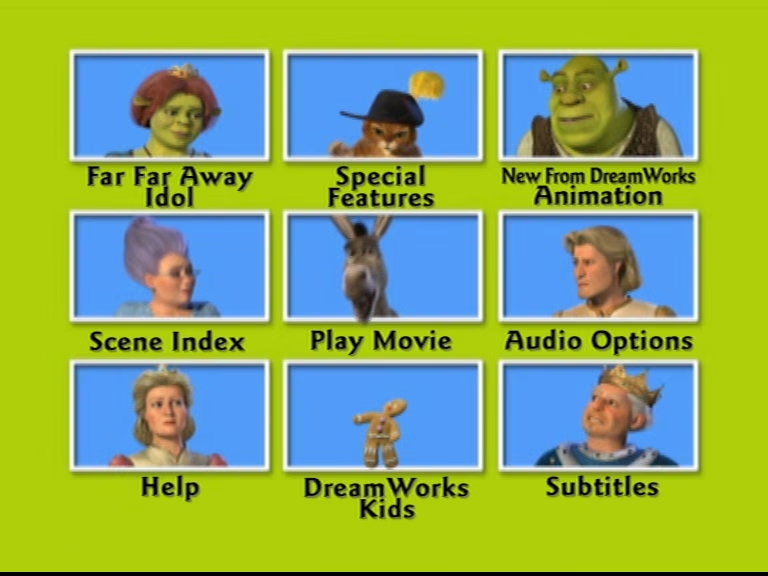
This image depicts the Shrek 2 menu described in the article as opening with a Brady‑Bunch‑style tableau of the cast arguing.
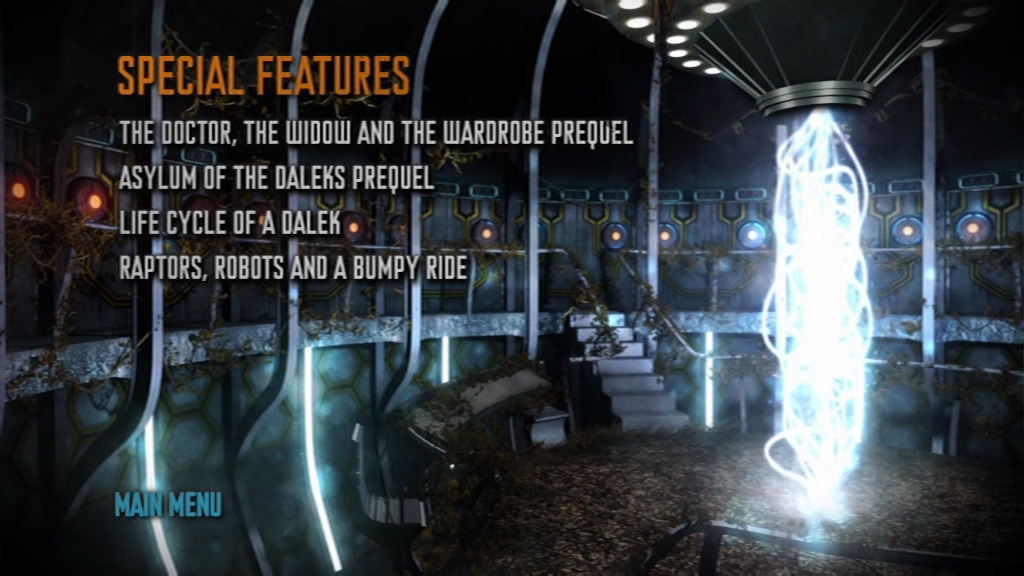
This image matches the article’s description of Doctor Who DVD menus that place the Tardis console at the menu’s centre and depict the time vortex.
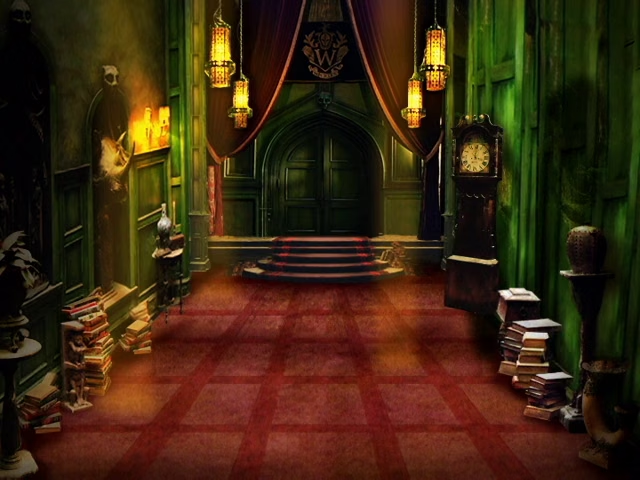
This image corresponds to the Behind‑the‑Mystery Mystery or Scooby‑Doo Monsters Unleashed Challenge mini‑game mentioned in the article.
Some publishers added system‑wide conveniences: Disney’s FastPlay automatically launched trailers before the main feature, a choice described as helping children who struggled with remotes, while EasyFind menus gave a uniform layout across a publisher’s line. As streaming displaced physical media, even the more capable Blu‑ray Disc Java (BD‑J) platform rarely saw ambitious menus, and today most DVD and Blu‑ray discs present only a static image or video with a bland overlay, marking the end of an era where a DVD’s opening screen could be as memorable as the film itself.
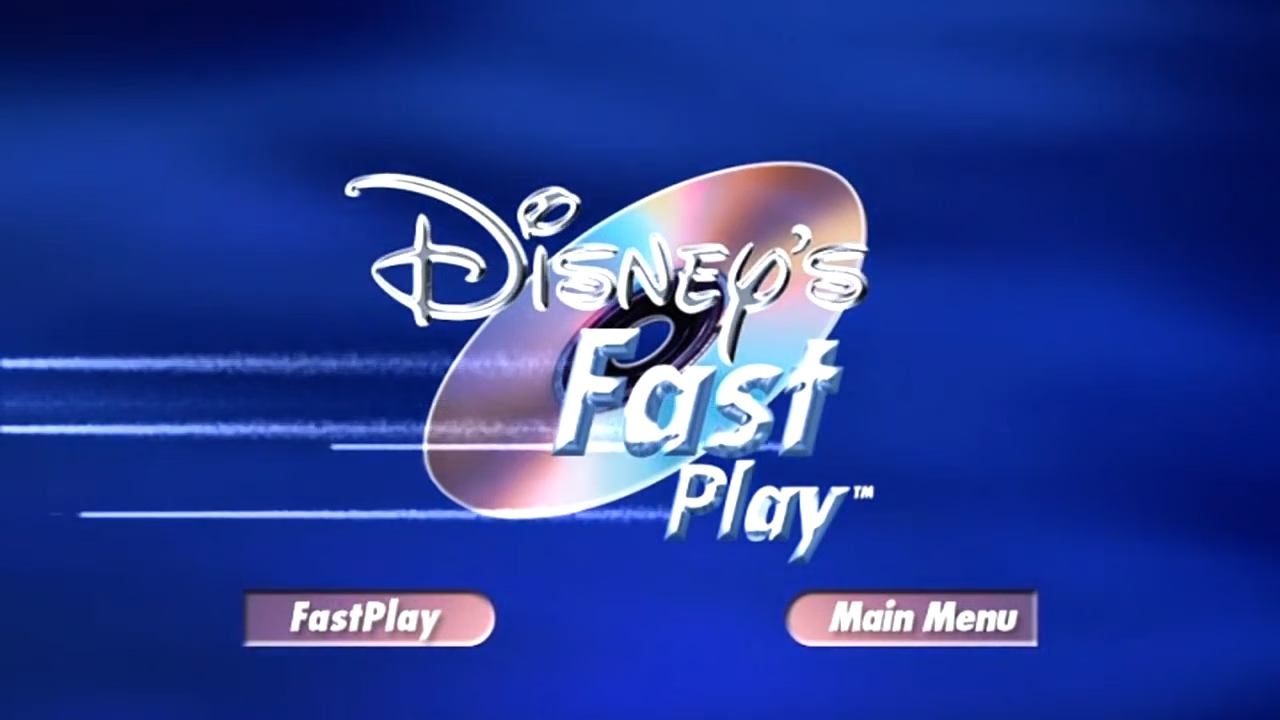
This image illustrates the Disney FastPlay system mentioned in the article as a publisher‑wide convenience that launched trailers automatically.