After automating lights, climate, and sprinklers with Home Assistant, Anton Frolov found that his household rarely opened the companion app or dashboard, leaving the smart‑home features unused. Seeking a way to make the interface inviting for everyone, he decided to commission custom artwork of their home rather than rely on generic UI panels. He located illustrator Owen Yeconiel through a recommendation and provided a package that included an architectural plan, room photos, style references, example dashboards, and a short technical spec detailing required file formats, layers, and animation needs.
Illustrator Owen Yeconiel produced a set of PNG and WebP images: each floor and the garden as separate layers, with day and night versions, and individual devices represented by still images for off states and short animated loops for on states. All assets share a common canvas size and alignment, allowing them to be placed precisely in Home Assistant’s picture‑elements card, where the illustration serves as a background and device images/state labels sit on top as elements that swap via the state_image property. A helper script and automation toggle between day and night modes at sunset and sunrise, and conditional elements show the night layer only when needed. For devices like the garden irrigation that lack a native pop‑up, Frolov used the Browser Mod integration to launch custom dialogs, keeping the overall UI simple.
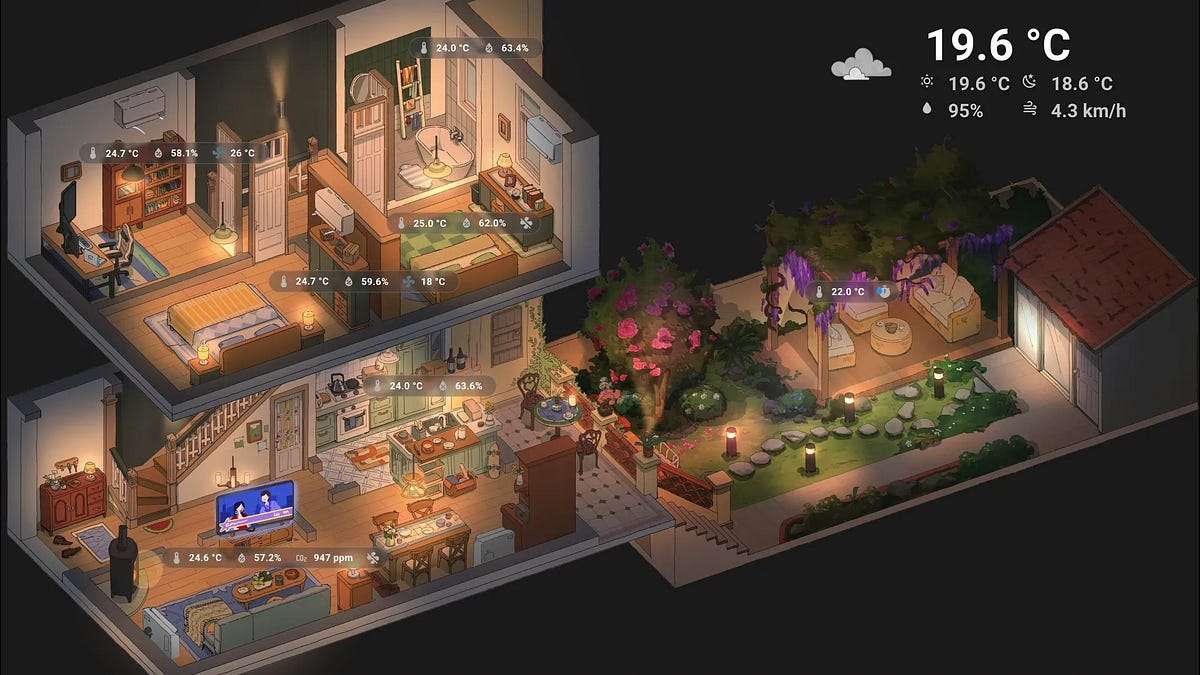
This image is part of the set of illustrations created by Owen Yeconiel for Anton Frolov's Home Assistant dashboard, depicting one floor of the house as a layer for the picture-elements card.
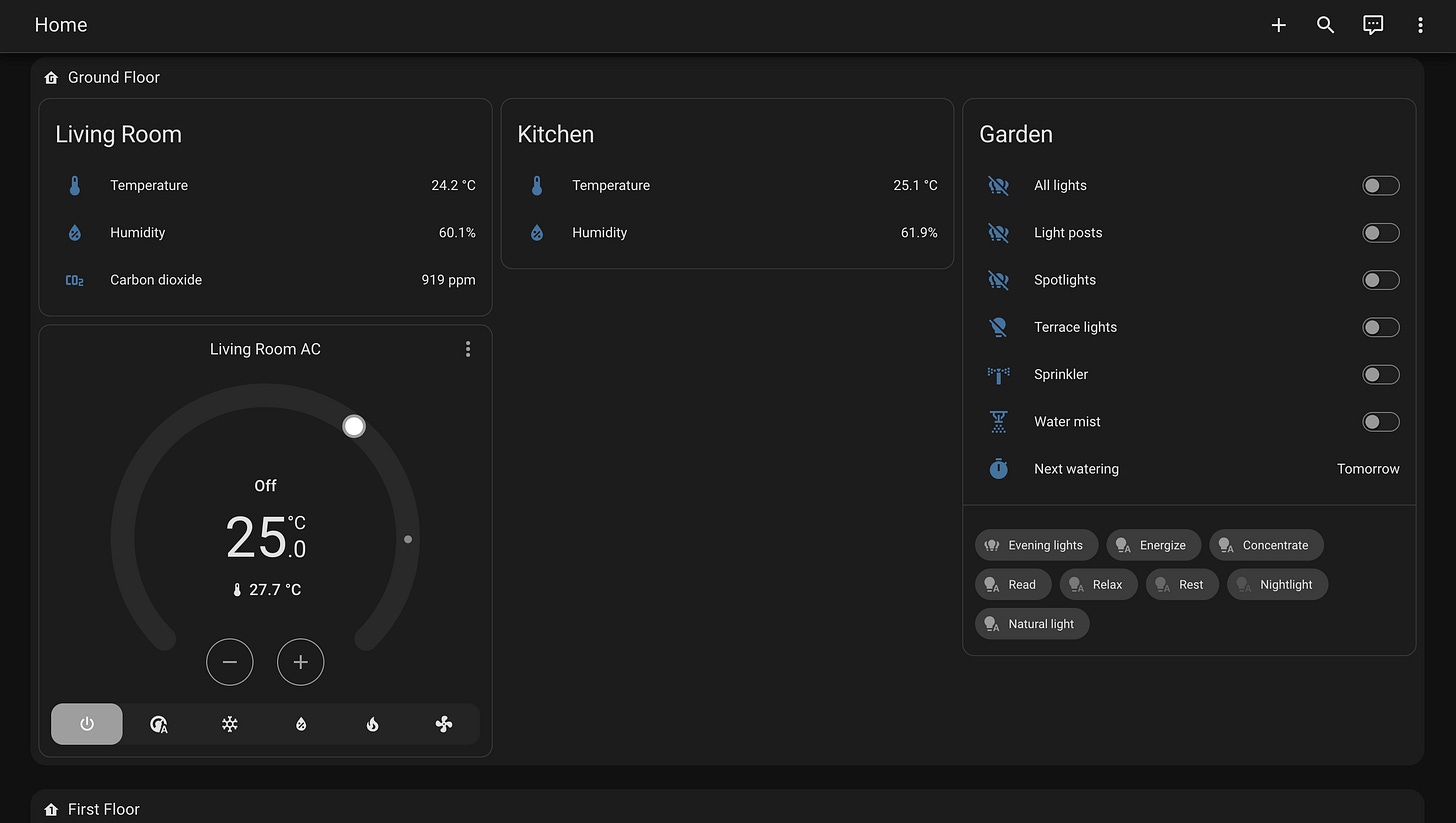
This image shows the combined layers of all floors and the garden, aligned to a common canvas for use in Home Assistant's picture-elements card.
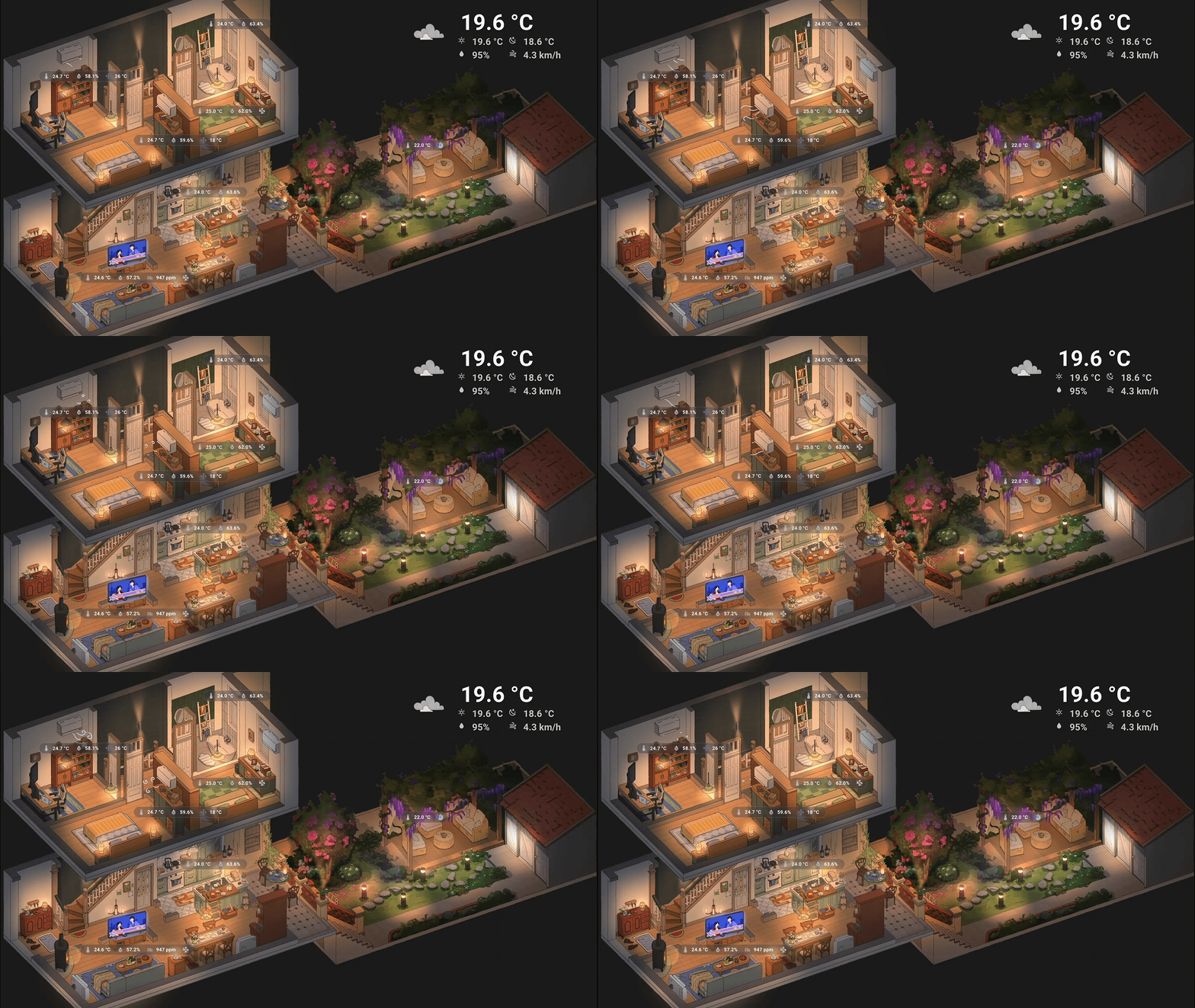
This animation represents one of the device states created by the illustrator, where short loops indicate the 'on' state for devices like lights or switches.
To display the dashboard continuously, Frolov installed the HAOS Kiosk Display add‑on, which routes the page to an HDMI input on his LG webOS TV, bypassing the browser’s inability to set a web page as screensaver or default page. While the TV remote cannot interact with the dashboard over HDMI, family members use the Home Assistant mobile app or browser bookmarks when they need to adjust settings, and the dashboard runs on a schedule during morning and evening hours, providing “one screen for the whole house” that the whole family now enjoys. Individual floor views work well on phones, while the combined view benefits from a laptop‑sized screen, and the illustrator’s contribution is credited directly in the dashboard’s footer.