ChatGPT Sites enables users to turn a conversational idea into a hosted website or app without writing code. Users open the feature via the “@Sites” mention or the “Work” pane in the new ChatGPT desktop app, describe what they want—a dashboard, a game, a portfolio—and ChatGPT generates a runnable site instantly. The generated site lives on ChatGPT‑owned infrastructure (Sites Runtime) and can be published with a ChatGPT‑hosted URL or a custom domain the user owns.
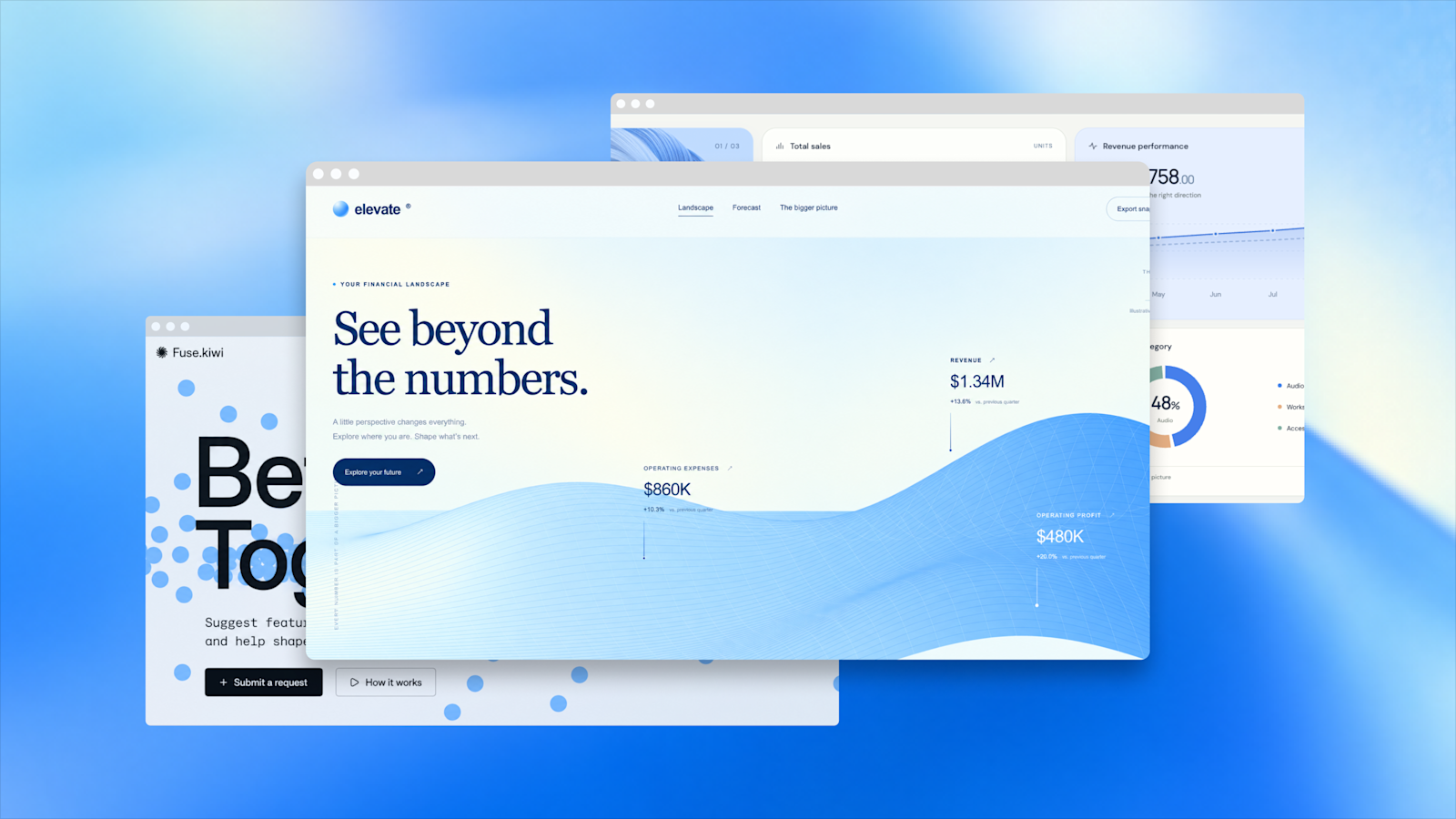
ChatGPT Sites enables users to describe an idea in plain language and instantly generate a runnable prototype in an in-app browser preview. The layered preview interface demonstrates how multiple site iterations can be viewed and managed simultaneously during the generation step.
The workflow proceeds in seven steps: 1. **Prompt** – Describe the idea, specifying audience, purpose, data inputs, and constraints. 2. **Generate** – ChatGPT opens a temporary in‑app browser preview; the user can iterate on layout, content, and features. 3. **Save version** – A snapshot of the site is stored for later deployment. 4. **Deploy version** – The saved version is published, producing a live URL. 5. **Share** – The creator chooses who can visit or edit: selected individuals, the whole workspace, or the public. 6. **Connect tools** – In eligible workspaces, visitors may grant the site read‑only access to tools they already have permission to use (e.g., Jira, Airtable). The site never sees the creator’s connections. 7. **Custom domain** – Users can rename the ChatGPT‑hosted URL or attach a domain they own; the old address redirects automatically.
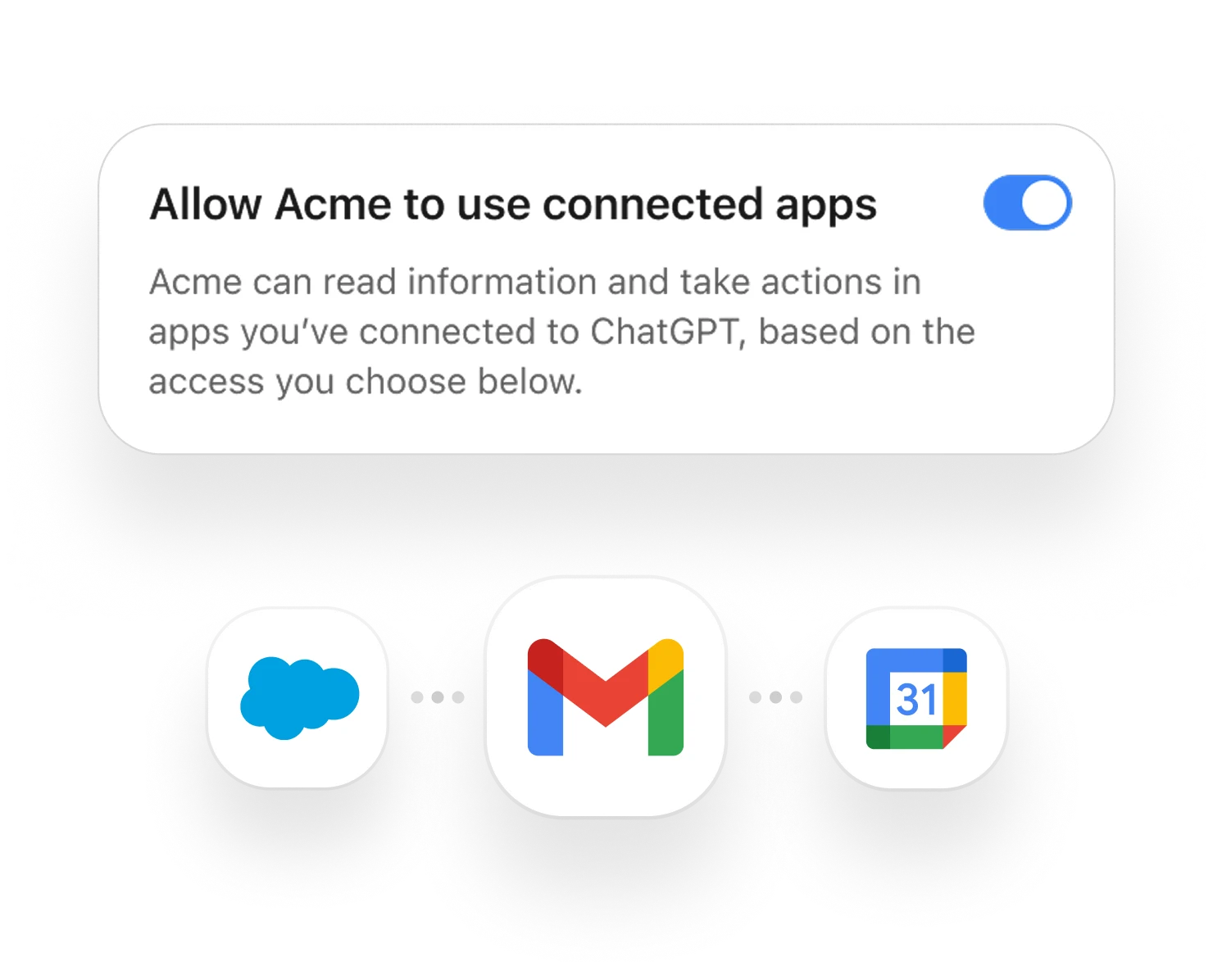
Step 6 of the workflow lets workspace visitors grant the site read-only access to tools they already have permission to use, such as Jira or Airtable. The site never sees the creator's connections, maintaining security through ChatGPT workspace identity mediation.
The technical foundation consists of **Sites Runtime** (the execution environment), **D1** (a relational database for site settings and snapshots), and **R2** (object storage for uploaded files and assets). Access control is mediated by ChatGPT workspace identity; a user’s connected tools are never exposed to other visitors.
**What Kinds of Sites Can Be Built** The feature is organized into three high‑level categories, illustrated by showcase examples: - **Information‑display systems** – Dashboards, calendars, internal portals that visualize KPIs, training libraries, or launch plans. These rely on D1 for configuration snapshots and require no external database connection. - **Workflow systems** – Project trackers, idea‑submission pipelines, event‑approval apps. These combine D1 (structured data) and R2 (attached files). - **Experience systems** – Prototypes, internal games, educational min‑apps. These can use D1 for scores/progress and R2 for avatars or assets.
Showcase examples include **Enablement Hub** (a training‑library filterable by six axes), **Pulse Dashboard** (KPI overview with drill‑down and business‑question prompts), **Launch Cal** (monthly product‑launch calendar with risk signals), **Onboarding Hub** (new‑hire checklist and docs), **Sparkboard** (idea‑to‑ship six‑stage workflow), and **Event Planning Hub** (event‑management with compliance checks).

Frame Studio is one of the showcase examples illustrating the Experience systems category—prototypes, internal games, and educational mini-apps that can use D1 for scores and progress tracking and R2 for avatars or assets. This concrete example demonstrates the motion design and interactive capabilities possible.
**Access, Pricing, and Restrictions** - **Plans** – Sites is in public beta. Pro, Pro Lite, Enterprise, and Edu plans gained access at launch; Plus and Business are rolling out subsequently. EEA, Switzerland, and the U.K. were excluded at launch. - **Limits** – Each plan has a monthly quota of sites, prompts, and storage. Public‑beta limits are documented in the help center; exact numbers are not supplied in the packet. - **Unapproved content** – Sites’ terms explicitly prohibit certain content and uses (e.g., PHI, PCI, financial transactions, 13‑year‑old‑restricted data). - **Data residency** – Neither D1 nor R2 currently support data‑residency or inference‑residency guarantees; Enterprise workspaces have additional constraints. - **Takedown risk** – Sites can be taken down for terms violations; the feature is still in beta.
**Industry Positioning** ChatGPT Sites distinguishes itself from standalone no‑code builders (v0, Bolt, Lovable, Replit) by requiring only a ChatGPT account and by being tightly coupled with the ChatGPT workflow (Work, Codex, Chat). A user can start a site from a conversation (“@Sites, build me an expense‑tracking dashboard”) or from an existing codebase (“Deploy this Next.js project to Sites” via Codex). The integration means prototypes can be generated in seconds and then immediately refined through natural‑language conversation, without leaving ChatGPT.