Whistle Synth is a macOS application that converts whistling into synthesizer sound in real time. Users whistle into an external microphone or headset (wired headphones are recommended to minimize latency) and hear the corresponding note played through a selected synth voice. The app avoids feedback by not using the Mac's built-in microphone and speakers together.
The project began years ago as a command-line tool, but a recent overhaul assisted by the AI Claude brought significant improvements. Kaufman asked Claude to reduce latency, which involved measuring round-trip time by pointing the microphone into the headphones and experimenting with the audio callback API. This effort cut the audio round-trip latency from about 80 ms to just 5 ms, making the instrument feel responsive. Claude also helped refactor the code to separate pitch detection from synthesis, eliminating stutters that had plagued earlier versions.
Voice development was another focus. Claude prototyped numerous bass sounds, leading to an octaveless bass voice that shifts its harmonic mix to keep the perceived octave constant as pitch rises. For the treble range, Kaufman settled on a drawbar Hammond organ voice, noting that the rotating Leslie speaker adds life to sustained notes—a quality harder to achieve with simpler waveforms. The App Store listing confirms the app offers twelve voices: Bass, Sub Bass, Octaveless, Reese, 808, Pluck, FM, FM Sub, Grind, Square, Drawbar and Drawbar Hi, plus a Passthrough for input level and gate control.
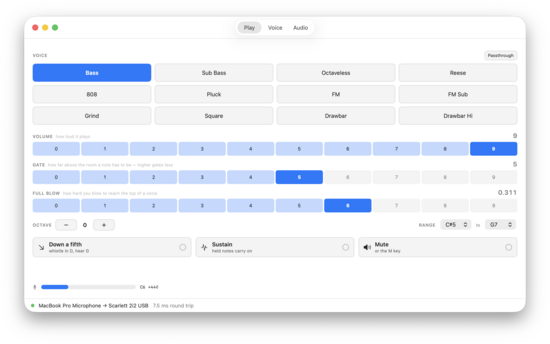
This image corresponds to the article's list of twelve voices (Bass, Sub Bass, Octaveless, Reese, 808, Pluck, FM, FM Sub, Grind, Square, Drawbar, Drawbar Hi, Passthrough) and the voice‑development section.
Additional playing features include a "down a fifth" option that shifts every voice down a just interval (whistling D sounds as G), a sustain latch that holds a note after whistling stops, and instant muting via the M key. The voice editor exposes parameters such as pulse width, spectral tilt, and resonance, allowing users to learn synthesis by adjusting knobs.
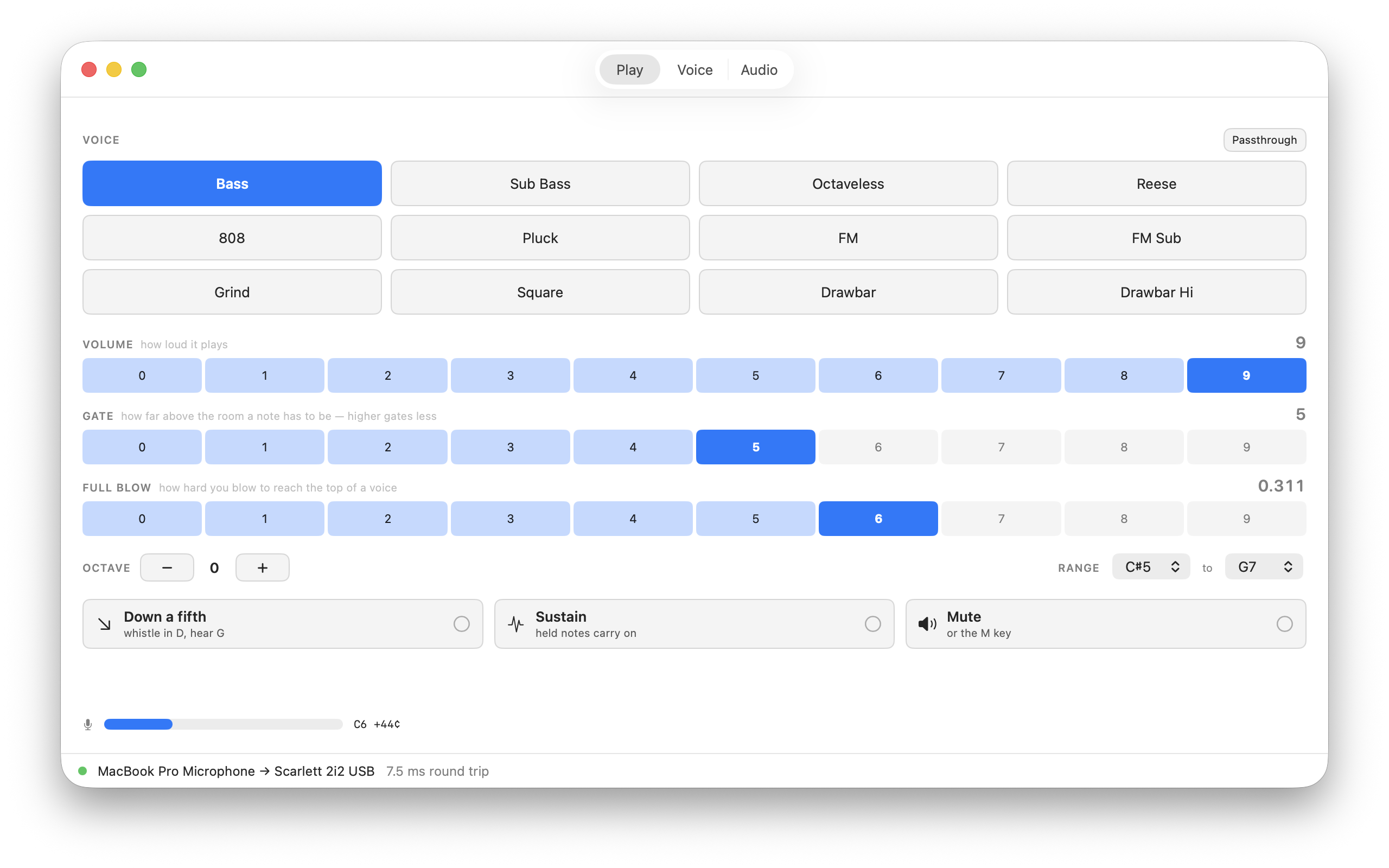
This tab illustrates the article's description of additional playing features such as the "down a fifth" option, sustain latch, instant mute via the M key, and adjustable voice parameters.
AI assistance extended beyond code. Gemini generated an initial app icon, which Claude then refined into code-generated icons of multiple sizes. Getting the app into the Mac App Store required a developer membership and identity verification; Apple initially misread Kaufman's last name as "Kaufhan," but Apple Support corrected the error. Claude guided Kaufman through the submission process, including preparing screenshots and a demo video.
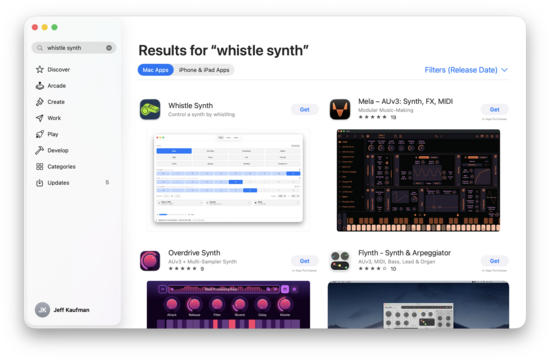
The article describes the app's App Store release, Apple's initial misreading of Kaufman's last name as "Kaufhan," and the correction via Apple Support; this image visually represents that listing.
Under the hood, the Mac app uses a rewritten engine (zeros2.c) split into pitch.c, synth.c, and engine.c, swapping PortAudio for CoreAudio and providing stereo output. The source code is openly available on GitHub, showing a zero-crossing based pitch detector that feeds a PitchHint structure to the synthesizer, which never reads the microphone input directly.
Privacy is a core tenet: the app processes audio locally, collects no data, and performs no network activity, as stated in its App Store privacy section.