Hister is a self-hosted search engine that builds a personal index from the web pages you visit, your browser history and bookmarks, local files, and websites you choose to crawl. Unlike traditional search engines that query the live web, Hister stores extracted document content alongside its search index on a server you run, so information remains findable even if the original page changes or disappears.
## How it works
You run the Hister server locally or on a machine you control. A browser extension for Firefox or Chrome can automatically index pages as you visit them. You can also import existing browser history and bookmarks, watch local directories for new files, or crawl specific websites. The server extracts text from HTML, PDFs, and other supported formats, then indexes the full content — not just titles and URLs.
The same index is searchable through multiple interfaces: a web UI at `http://127.0.0.1:4433`, a terminal-based UI (TUI), command-line tools, an HTTP API, and an MCP (Model Context Protocol) endpoint that lets AI assistants retrieve results directly.
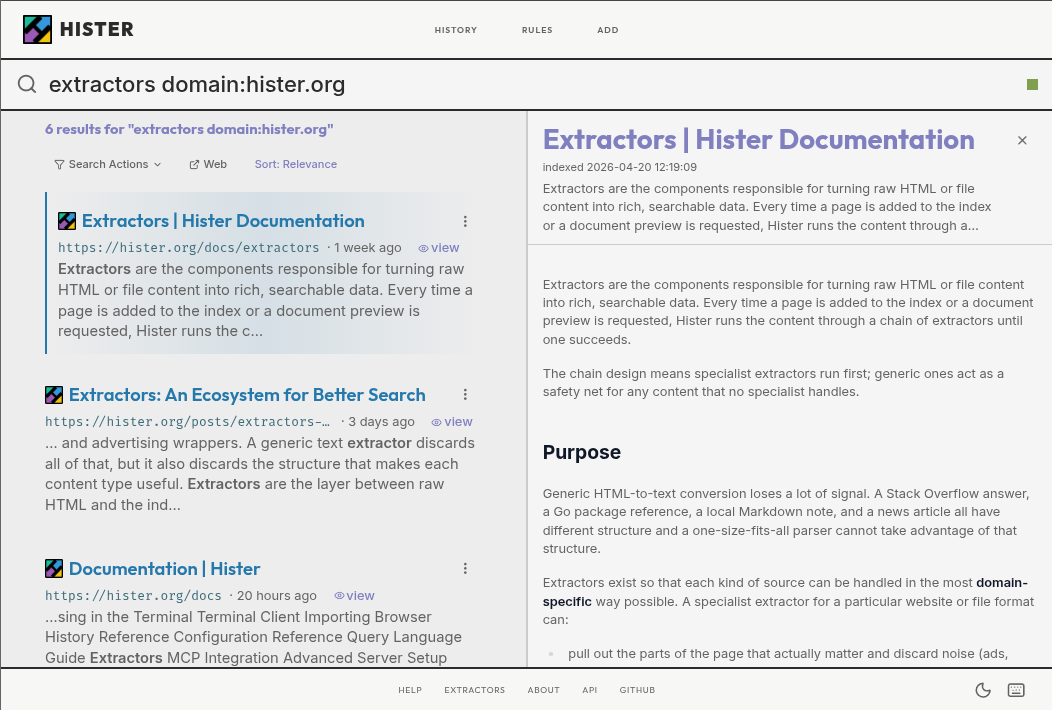
This image shows the Hister web user interface at http://127.0.0.1:4433, where users can search their indexed pages and files, view readable previews of stored content, and navigate results without leaving the search interface.
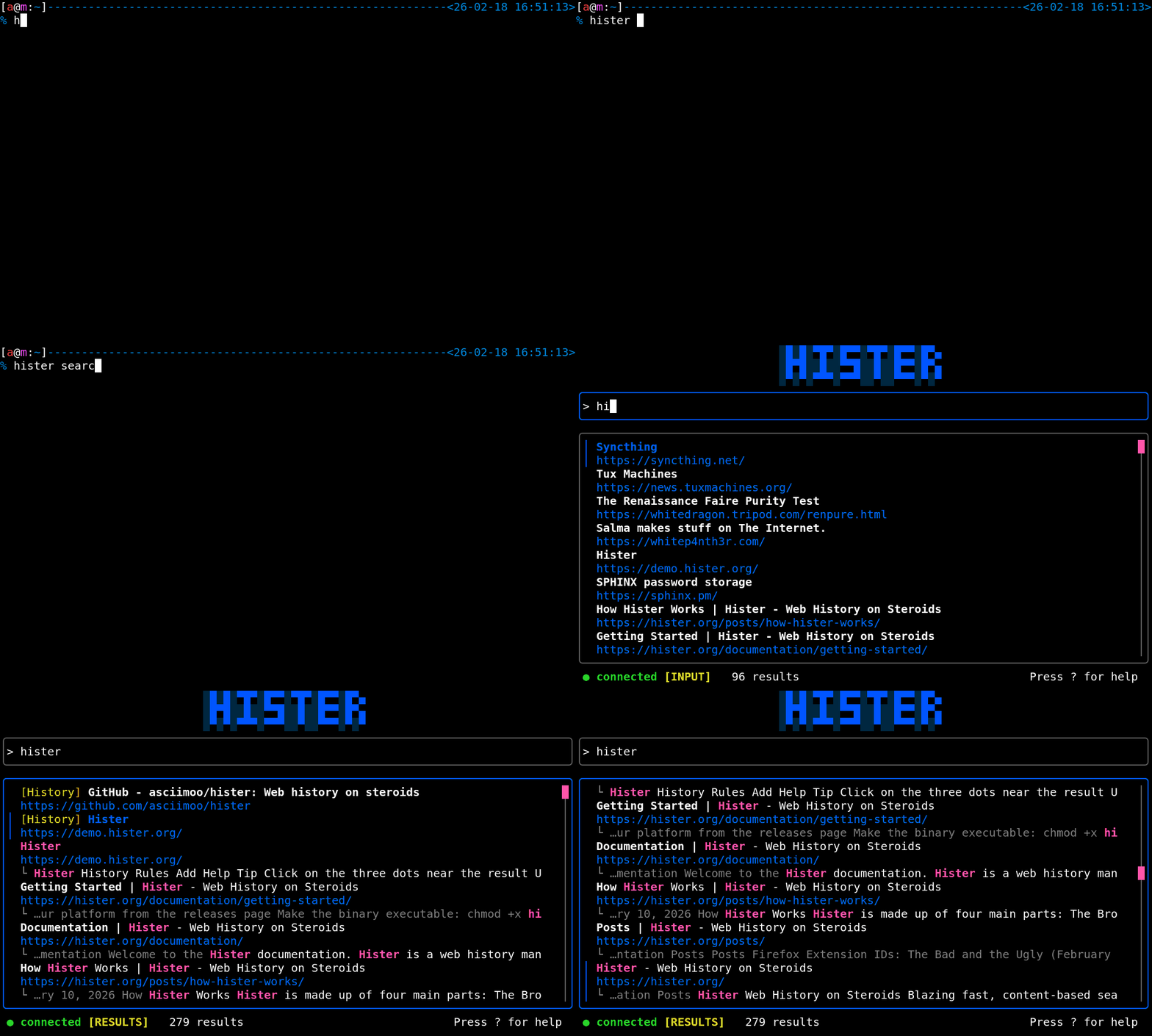
This animated gif illustrates the Hister terminal user interface, which provides a keyboard‑driven way to search the personal index, browse results, and access the same functionality as the web UI from a command line.
## Search capabilities
Hister supports a rich query language beyond simple keywords:
- **Field filters** to search within specific attributes like `url:`, `title:`, or `domain:` - **Quoted phrases** for exact matches - **Wildcards and negation** (e.g., `python -snake`) - **Date ranges** to narrow by when a page was indexed - **Query aliases** for reusable complex queries - **Result priorities** to boost certain sources
Optional semantic search lets you find documents by meaning rather than exact terms. This sends document text to an embeddings endpoint you configure — such as a local model via Ollama or a remote API — so you can enable or disable it based on your privacy preferences.
## Content handling and previews
When Hister indexes a page, it stores the extracted content with the search index. Search results show a clean, readable preview of that stored content alongside the original URL, so you can verify the match without leaving the search interface. Because the content is stored locally, it remains accessible even if the source page is later edited, paywalled, or removed entirely.
Index rules give you control over what gets indexed and how it ranks. Skip rules exclude matching URLs or patterns. Priority rules boost results from preferred sources. Version tracking can retain earlier versions of a document when it changes. Sensitive-content checks can flag or exclude material matching patterns you define.
## Privacy model
Hister has no telemetry and makes no external network requests by default. The browser extension sends page content only to the Hister server you configure (plus fetching page favicons). The server stores documents and indexes locally. Optional semantic search sends text to the embeddings endpoint you choose. The entire stack can run on a single machine with no cloud dependency. The source code is licensed AGPLv3.
## Deployment options
A single binary runs on Linux, macOS, or Windows with no configuration required for a personal setup. For shared servers, Hister supports multiple users with per-user document isolation, using either SQLite or PostgreSQL as the backend. Docker and Nix packages are available. Development requires Go 1.26, npm, and a C compiler for CGO dependencies.
## Context and limitations
The project's author previously built Searx, a privacy-respecting metasearch engine, but moved to a personal-index approach after encountering limitations of the metasearch model. Chrome included a similar full-text history search feature from 2008 to 2013 before removing it.
Current limitations noted by users include: the browser extension indexes all visited pages by default (a suggested improvement is a dwell-time threshold, e.g., only index pages viewed for 4+ seconds), and the software is not yet packaged in major Linux distribution repositories, which some users cite as a deployment barrier. The MCP integration is relatively new and its practical utility with various AI assistants is still being explored by the community.