Cloud in a Bottle is a self-hosted personal cloud platform. At its core, it runs on a single machine — a cloud VPS, a home server, or a local VM — with a web dashboard that routes HTTP(S) requests to containerized apps. The control plane is a Python router that reads each app's `cloudinabottle.toml` manifest, builds its Dockerfile with rootless Podman, and manages the container lifecycle. Caddy handles HTTPS and CoreDNS provides wildcard DNS for app subdomains in the standard public deployment.
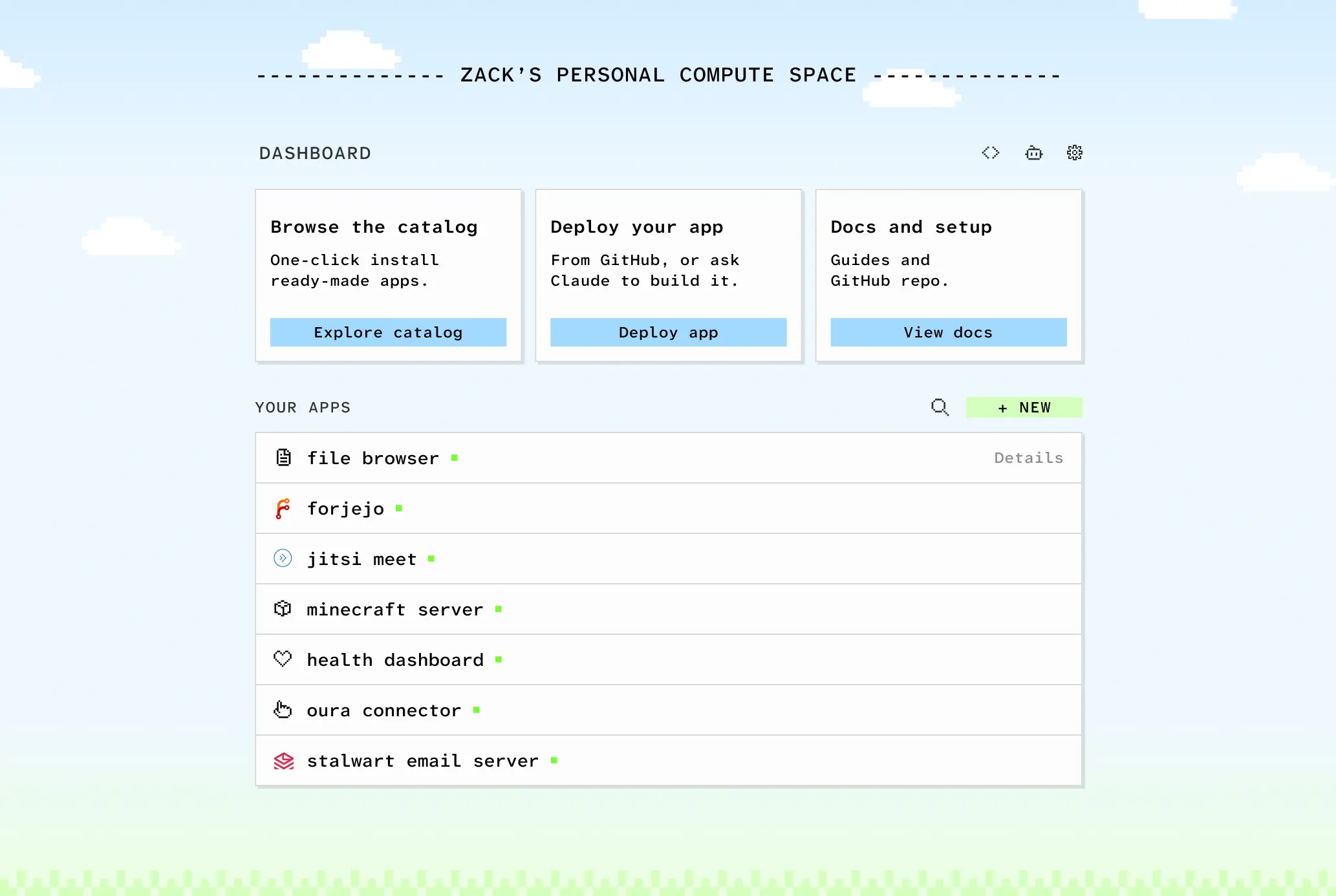
This screenshot demonstrates the platform's core value proposition: a single web dashboard that serves as the control center for all deployed containerized applications, eliminating the need for separate app interfaces and login credentials.
The platform's defining design choice is unified authentication: once logged into a Cloud in a Bottle instance, the user is automatically logged into every app on that instance, with no separate accounts per app. Apps can also declare permissioned access to data and capabilities from other apps, an approach the project draws from mobile platform APIs — sensor access, notifications, health-data sharing — and adapts to a personal-cloud context.
This image illustrates the platform's fundamental philosophy of keeping apps, data, and infrastructure under the user's complete control — a key differentiator from cloud services where users must trust providers with their data and applications.
Apps are packaged by adding a `cloudinabottle.toml` manifest to a repository that already includes a Dockerfile. The project emphasizes minimal friction for existing software: because apps run as sandboxed containers, they require little modification to deploy.
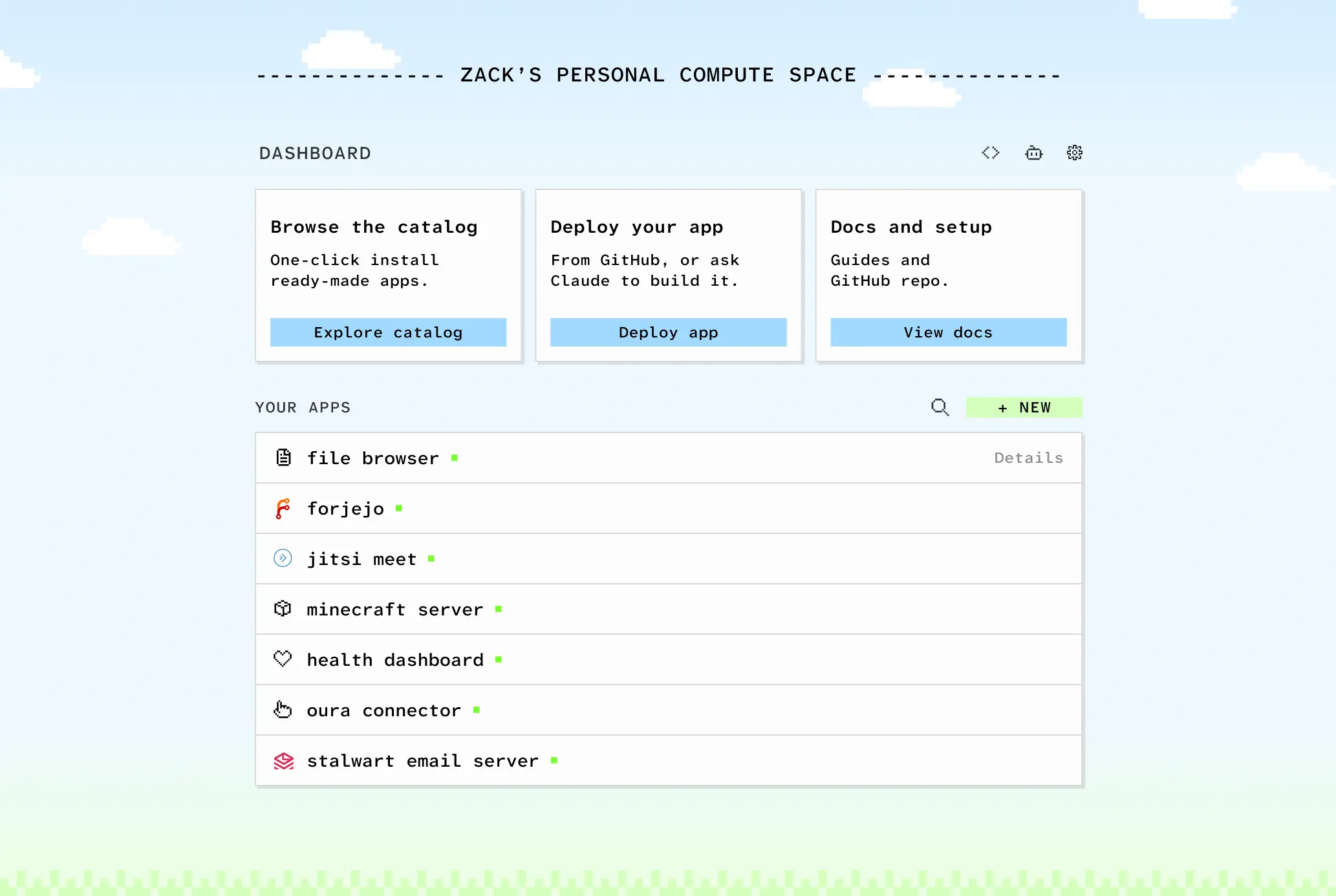
This view highlights the platform's multi-app capability, showing how users can deploy and manage different web applications side-by-side in a unified interface, with each app running in its own containerized environment.
Imbue, the company behind the project, offers a managed hosting option alongside the fully self-hosted path. Both run the same code; the project is published under AGPL-3.0, with a note that the license may move to a fair-source model in the future — personal use would remain unrestricted, while commercial use could be scoped to support sustainability.
The curated app catalog is small and growing, and the project acknowledges that early users will likely need some technical familiarity — or a coding agent — to find, create, or adapt apps. Backup and disk-size details are not prominently documented in the sources supplied; the manual references backups but no turnkey backup product is described.
A practical uncertainty for self-hosting more broadly is domain registration, DNS management, and port-forwarding — infrastructure barriers that Cloud in a Bottle does not, from the supplied sources, appear to solve directly. The project's current deployment guides cover cloud, dedicated home server, and shared-home-machine setups, but automating consumer domain registration is not addressed in the materials provided.