OldRoll is presented as a free online aesthetic photo editor that brings vintage camera and film aesthetics to digital photos directly in a web browser, requiring no installation. The site describes itself as offering tools to apply retro looks such as Digicam, Film, Y2K, 90s, VHS, and Dreamy effects, targeting users who want to give their photos a nostalgic feel for social media, personal projects, or creative work.

This image illustrates the browser-based photo editor described in the article's opening paragraph about OldRoll's free online aesthetic photo editor.
To create an edit, users upload a photo and choose a filter pack that emulates a specific camera style—for example, the Digicam filter aims to replicate the bright direct flash and cool shadows of a digital snapshot, the Y2K filter adds low‑resolution texture, cool flash color and a pixel‑style date stamp, and the 90s filter provides warm yellow tones, faded color and the worn texture of a 90s print. After selecting a look, they can fine‑tune exposure, warmth, saturation, contrast and lens blur, and then layer additional elements like film frames, light leaks, grain textures or stickers while preserving the underlying camera aesthetic. The editor also supports arranging multiple images into collages or strips with solid, gradient or textured backgrounds.

This image demonstrates the upload process mentioned in the article's description of creating an edit.

This image exemplifies the Y2K filter effect described in the article's explanation of filter packs.
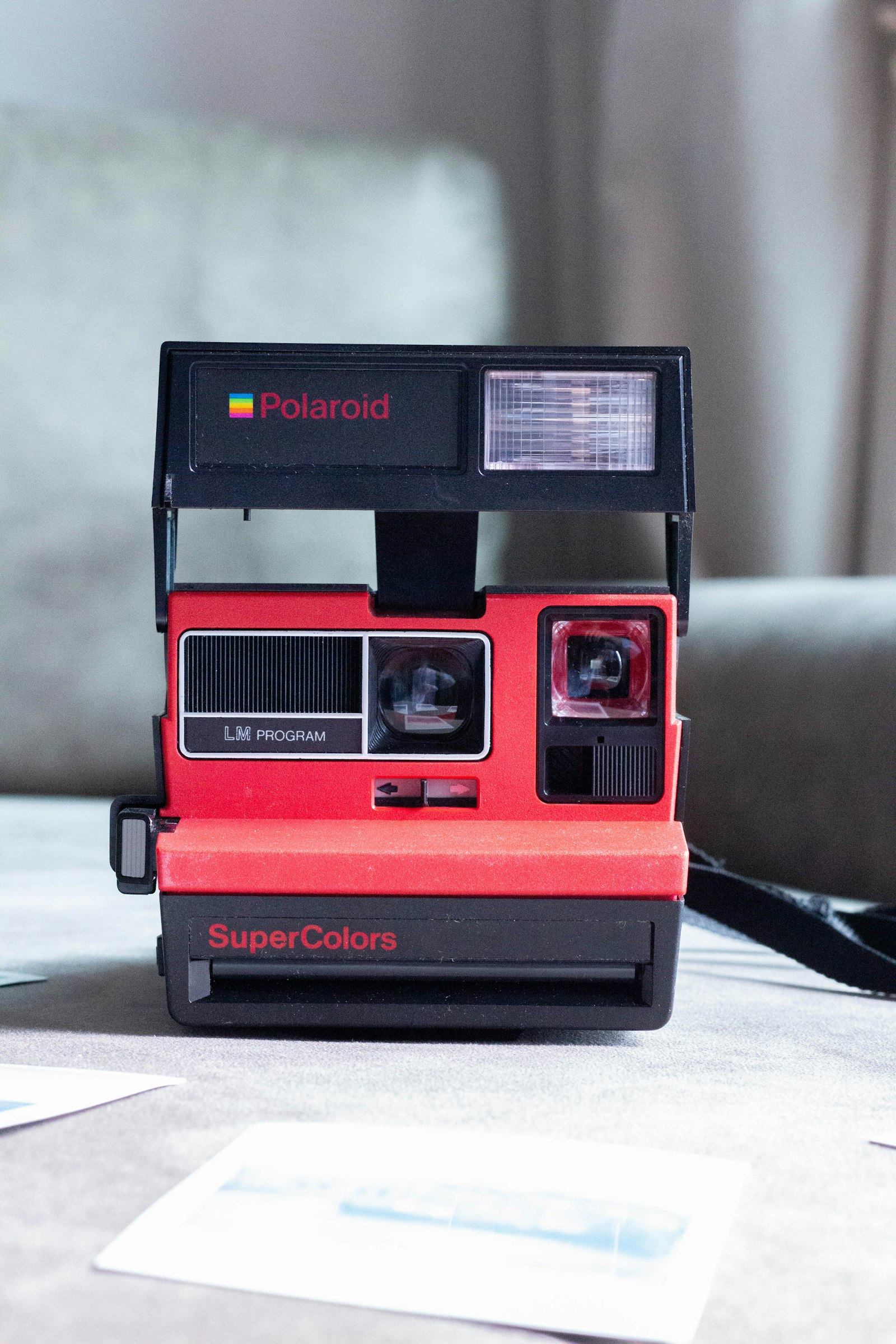
This image illustrates the collage feature described in the article's mention of arranging multiple images into collages or strips.
Although the browser‑based version is advertised as 100% free with all features available during its online launch offer, the companion mobile apps for iOS and Android follow a different monetization model. Both the Google Play Store and Apple App Store listings show the apps as free to download but note the presence of in‑app purchases and subscription options priced at $2.99 per month or $9.99 per year for unlocking premium content. User reviews in those stores reflect appreciation for the realistic film simulations and vintage camera emulations, as well as frustrations with advertisements, perceived paywalls for certain functions, and occasional performance slowdowns when applying complex effects.